
If you’re evaluating a move away from SurveySparrow, the decision usually comes down to one of three things: pricing that doesn’t scale cleanly, analytics that don’t go deep enough, or survey deployment that requires more technical lift than your team has capacity for. This list is built around those specific triggers.
While there are thousands of feedback software tools that Google may recommend to you on its first few pages, we know how useful they actually are.
SurveySparrow is one of the feedback tools you will see on the list. If you have used the tool and find it insufficient for your needs, you must switch to better alternatives.
So, instead of trusting the efforts of other tools’ SEO teams, we did a little research of our own and came up with the list of top SurveySparrow alternatives you can try for your business that fulfill your business needs.
Before you explore this comparative list of SurveySparrow alternatives, let’s see what SurveySparrow is and why you need the other options.
What is SurveySparrow?
SurveySparrow is a conversational feedback platform that lets you create chat-style surveys for websites, web apps, mobile apps, and email. Its core strength is turning traditional surveys into interactive, messenger-style experiences that tend to drive higher completion rates than static forms.
Best For: Conversational surveys, multi-channel distribution, recurring NPS programs
Third-Party Integrations: Yes
Suited For: Small to large businesses
Price: Paid plans start at $49/month billed annually
Why Teams Actively Look for SurveySparrow Alternatives
Based on our evaluation and the feedback from founders, product teams, and CX managers across communities and review platforms, the decision to move away from SurveySparrow usually comes down to a few recurring challenges:
- Restrictive pricing tiers that gate advanced analytics and automation behind expensive plans.
- Limited advanced reporting, especially for teams needing deeper segmentation or trend analysis.
- Implementation friction, where seemingly simple customizations require developer involvement.
- Conversational widgets are blocked by ad-blockers, reducing response rates.
- Integration maintenance issues, particularly with webhooks and custom workflows.
- Support responsiveness concerns as teams scale usage.
This is why many businesses eventually explore tools that offer better flexibility, clearer ROI, and stronger data control.
So, here are the best 12 feedback software that won’t make you miss using SurveySparrow.
Top 12 SurveySparrow Alternatives
Before we begin with the detailed listings, here’s a side-by-side comparison of the best SurveySparrow alternatives based on pricing, ideal use case, business size, and standout strengths. Use this table to shortlist tools before diving deeper.
| Tool | Best For | Ideal Business Size | Starting Price | Standout Strength |
|---|---|---|---|---|
| Qualaroo | Contextual & in-product feedback | Mid–Large | $19.99/month | Behavioral targeting + sentiment analysis |
| ProProfs Survey Maker | Budget-friendly multi-purpose surveys | SMBs | $19.99/month | Massive question library + ease of use |
| LimeSurvey | Open-source & academic research | Mid–Enterprise | $39/month | Self-hosting + deep customization |
| Alchemer | Advanced logic & custom scripting | Mid–Enterprise | On request | 40+ question types |
| SoGoSurvey | CX & EX programs | SMB–Enterprise | $39/month | Automation + reporting |
| Formstack | Secure forms & compliance-heavy use cases | Mid–Enterprise | $83/month | HIPAA compliance |
| SurveyMonkey | General-purpose surveys at scale | SMB–Enterprise | $30/month | AI-assisted survey optimization |
| Typeform | Conversational, high-engagement surveys | SMB–Enterprise | $28/month | One-question-at-a-time UX |
| Survicate | Product-led growth microsurveys | SMB–Enterprise | $49/month | Event-based in-app triggers |
| CrowdSignal | Simple polls & social surveys | SMBs | $29/month | Fast setup |
| Delighted | NPS & CX benchmarking | Mid–Enterprise | $19/month | NPS-focused dashboards |
| Paperform | Forms + payments + workflows | SMBs | $24/month | Payments + automation |
Let’s begin with the SurveySparrow alternative:
SurveySparrow Alternative #1: Qualaroo
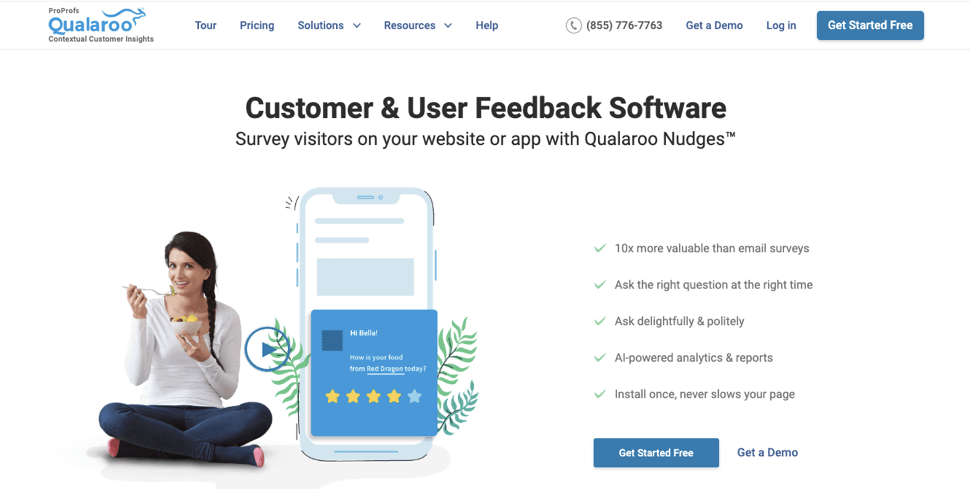
If you are looking for a tool that is easy to use and to create contextual surveys to collect customer feedback, then Qualaroo is the best surveysparrow alternative. It is a survey feedback software that helps businesses elicit unbiased and in-depth feedback from customers in a non-intrusive way with its pop-up Nudges™ surveys.
Apart from email surveys, the tool lets you collect contextual feedback at the right time, right place, and from the right people. Brands like LinkedIn, Udemy, and Twilio trust Qualaroo for making their customer experience the best out there.
Teams often choose it when they need in-context feedback that isn’t easily blocked by ad-blockers and doesn’t interrupt the user journey.
Excellent for: Conducting multi-channel surveys, advanced reporting, AI-based Sentiment Analysis, and pop-up surveys
Solves SurveySparrow’s: Limited contextual feedback, shallow qualitative insights, and a lack of behavioral targeting
Third-party integrations allowed: Yes
Good for: Medium to large businesses
Price: Starts from $19.99/month.
Free trial available: Yes, a forever-free plan.
Features
- Easy to set up without using coding or help from developers.
- Can deploy several types of surveys, like Customer Satisfaction (CSAT) surveys, exit-intent surveys, Net Promoter Score (NPS) surveys, User/Customer Effort Survey (UES/CES), and System Usability Surveys (SUS), to name a few.
- Offers pre-designed survey templates with a vast question library to customize surveys with different question types like open-ended, MCQs, using rich media like images and videos, and so on.
- Supports integration with popular tools like Salesforce, HubSpot, Zapier, MailChimp, and more.
- Helps you get the desired insights with advanced targeting.
- Create surveys with question branching and skip logic to make them more appropriate to respondents.
- Analyze the collected feedback data with advanced reporting.
- Get qualitative insights with IBM-Watson Sentiment Analysis.
Pros:
- Survey triggers fire on specific user actions, scroll depth, or time on page without developer involvement
- Nudge format is lightweight enough to avoid ad-blocker interference on most configurations
- Sentiment analysis surfaces qualitative themes without manual tagging
Cons:
- On-premise version isn’t available
- No dark theme available
Case study: Lalamove
Lalamove is an Asian logistics company that specializes in intra-city delivery. They needed a tool to conduct user research and identify different user needs in different locations.

They use Qualaroo to collect information about users to understand how happy they are with a specific feature, for instance. Then they customize these feedback loops around precise actions taken in-app or within their web platform.
SurveySparrow Alternative #2: ProProfs Survey
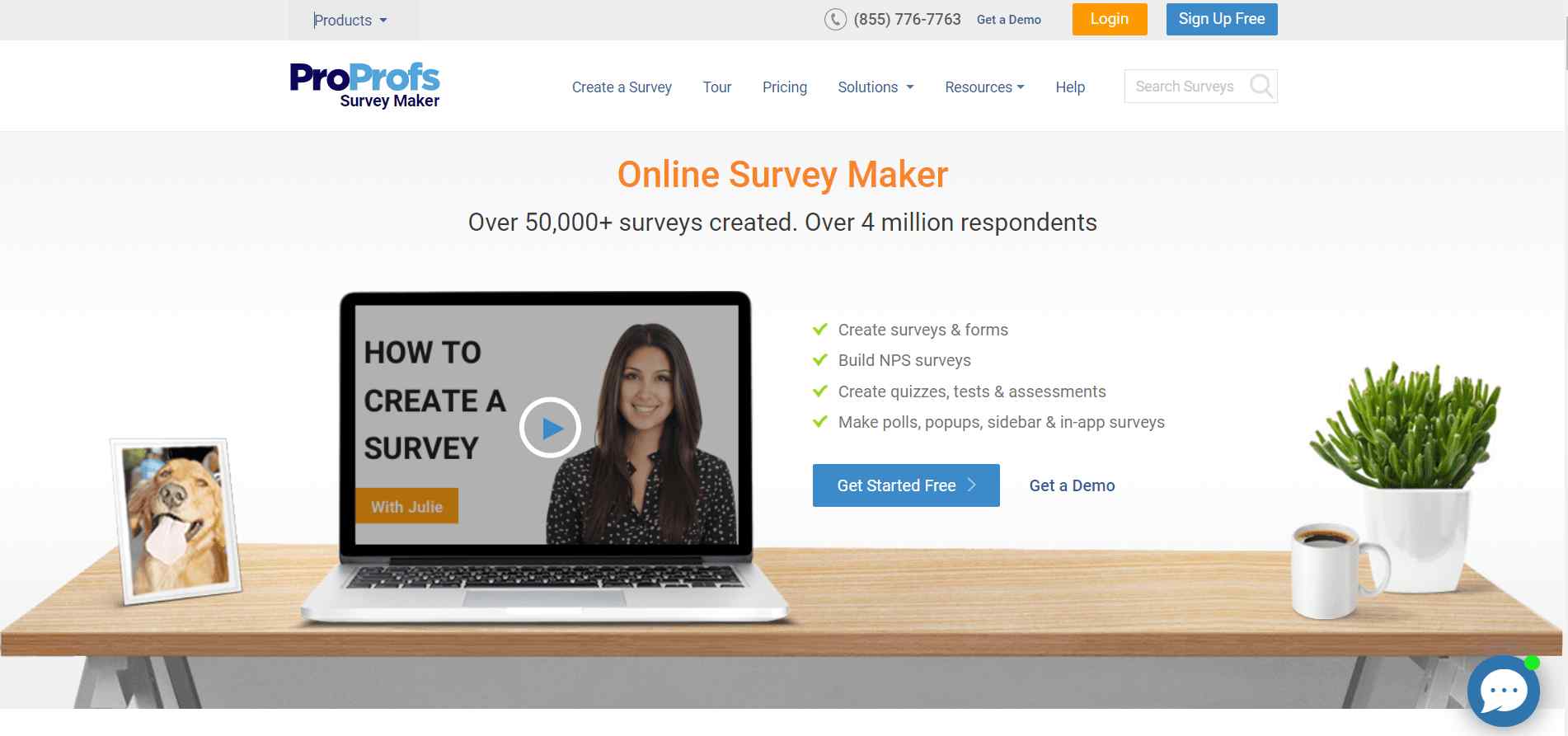
Another great SurveySparrow free alternative is ProProfs Survey Maker. ProProfs offers quizzes, polls, forms, and more as options for businesses to collect diverse customer feedback via multiple channels.
Companies like Dell, Sony, etc., choose ProProfs Survey Maker to collect customer insights and improve their customer experience strategy.
Excellent for: Conducting multi-channel surveys, Surveys, Quizzes, Forms, and Polls
Solves SurveySparrow’s: High pricing for basic use cases and complexity for teams that need fast, no-friction surveys
Third-party integrations allowed: Yes
Good for: Small to Medium businesses
Price: Starts from $19.99 per month.
Free trial available: Yes, a forever-free plan.
Features:
- Easy navigation due to a simple user interface.
- Drag and drop editor to edit questions in surveys.
- Incredible customization to edit the surveys as per personal branding to give an in-house feel.
- Offers support for 40+ languages.
- Comes with a vast survey question library with 1,000,000 goal-oriented questions.
- Supports integration with third-party software like MailChimp, Zendesk, etc.
- Professionally designed templates to help companies create effective surveys fast.
- Design web forums for product feedback, job recruitment, etc.
- Embed surveys on-site, in-app, or send via email and links.
Pros:
- Send surveys via multiple channels
- Offers forms, personality quizzes, polls, and more.
- Non-intrusive feedback button
Cons:
- Multiple survey types are not available
- Survey editor has a slight learning curve
Case study: Penelope Flynn
Penelope Flynn is an American author and graphic artist, and she wanted to engage more with her targeted audience. She picked ProProfs Survey Maker to ask questions from the audience and make it highly interactive.
In her own words, “I wanted a survey tool that would help me invite members of the target audience and determine their clan membership. And ProProfs Survey Maker, with its interactive surveys, did complete justice to my thought process.”
SurveySparrow Alternative #3: LimeSurvey

An open-source survey tool, LimeSurvey is very similar to SurveySparrow in features. You can get this tool for free as well as via subscriptions. It has an open code so anyone can access its features and also modify the tool as per their needs.
Excellent for: Market research, employee and customer satisfaction surveys, polls, elections, academic research
Solves SurveySparrow’s: Vendor lock-in and lack of self-hosting options for data-sensitive or academic use cases
Third-party integrations allowed: Yes
Good for: Mid-sized to large businesses
Price: Starts from $39/month
Free Trial Available: Yes
Features:
- Navigation is easier, thanks to the responsive user interface design.
- Offers hosting options to customers on its servers and self-hosting.
- Has a vast survey library to help you gather in-depth customer insights.
- Create surveys for different purposes, like employee and customer satisfaction surveys, market research, polls, etc.
- Data analysis to segregate feedback data into understandable visuals like bars, graphs, charts, etc.
- Highly customizable branding, including logos on surveys, survey colors, and so on.
- Select custom URLs for surveys to target them to selected website pages.
- Apply branching, skip logic, and visuals like videos and images for feedback collection.
Pros:
- Customizable branding for surveys
- Different survey types, like polls
Cons:
- Some features are complicated
- Hard to train employees
- Limited email handling
Practical Use Case:
Not available.
SurveySparrow Alternative #4: Alchemer

Alchemer was formerly known as SurveyGizmo. It is one of the SurveySparrow competitors you can try as an alternative. This survey tool is ideal for companies to design their custom surveys and gather actionable customer insights.
Alchemer offers more question types than its competitors and has the easiest setup, so you don’t need a developer to install it. Many teams choose Alchemer as a more agile alternative to heavyweight enterprise platforms, since it allows advanced logic and scripting without long implementation cycles or reliance on external consultants.
Excellent for: Survey customization, survey management, mobile surveys, reporting
Solves SurveySparrow’s: Restricted survey logic, limited scripting flexibility, and scalability issues for complex research
Third-party integrations allowed: Yes
Good for: Medium to large businesses
Price: Available on request
Free Trial Available: No
Features:
- Offers customization for branding, skip logic, branching logic, mobile in-app surveys.
- Comes with multiple question types to allow businesses to ask for feedback the right way.
- Reporting and analyses feature helps understand the crux of the cumulative feedback.
- Survey builder with pre-designed templates to save time and allow companies to ask the right questions.
- Supports multi-lingual and multi-media surveys.
- Offers BI tools and integration with Webhooks, Salesforce, and more.
- Offers data exporting permissions.
Pros:
- No separate charges per-response
- Ease of use
- Has intuitive CMS
- Responsive surveys
- Download reports in multiple formats
Cons:
- Too many sub-menus may confuse you
- Needs more customization functionality
- Only makes selective surveys private
Practical Use Case:
Not available.
SurveySparrow Alternative #5: SoGoSurvey
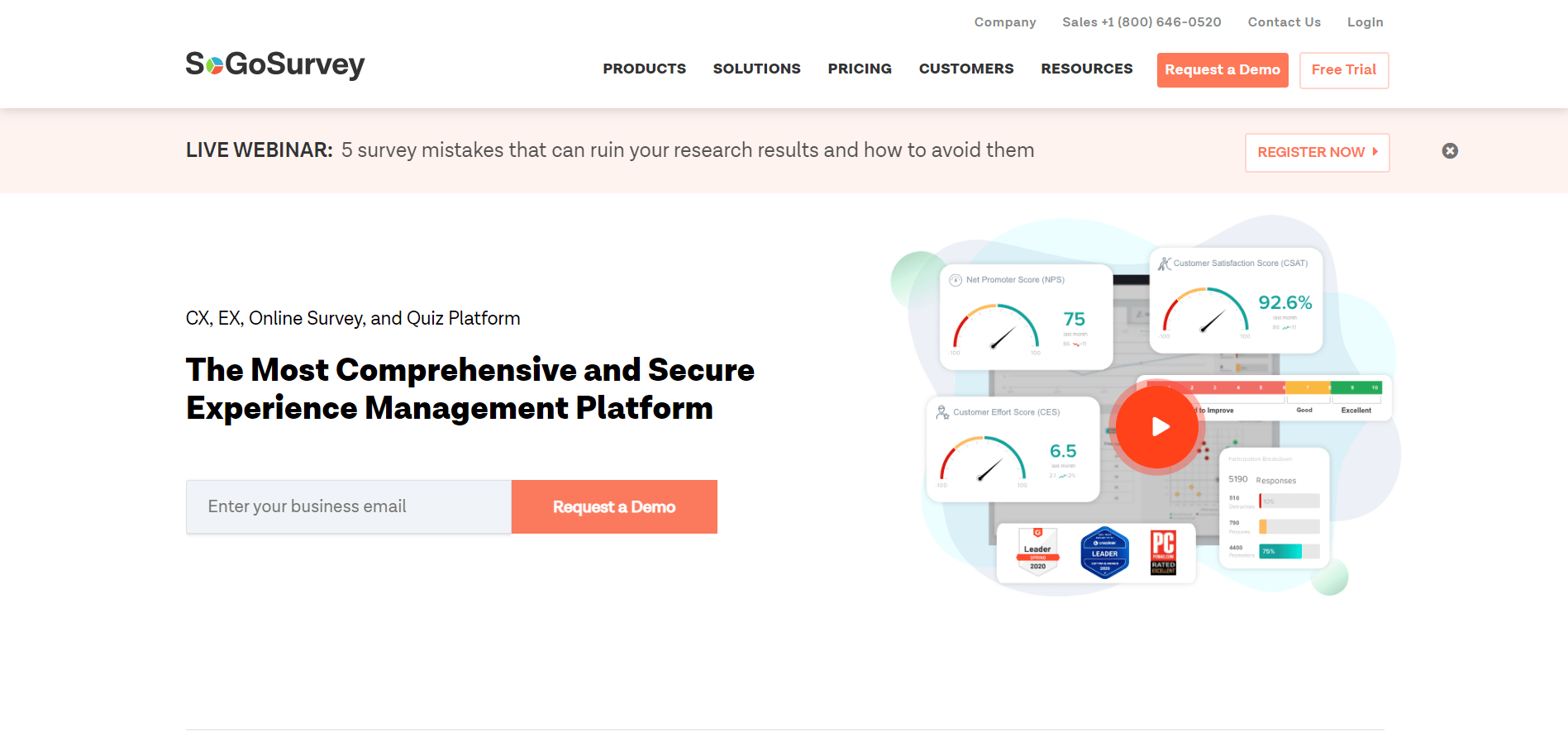
SoGoSurvey is another SurveySparrow alternative that businesses opt for when they need to collect customer feedback. It is an experience management software offering a suite of tools to accomplish different purposes of organizations.
It comes with SoGoCX to improve customer experience and SoGoEX that focuses on increasing customer engagement.
Excellent for: Employee engagement, customer experience, automated data collection
Solves SurveySparrow’s: Weak automation for CX and EX programs and limited enterprise-style reporting workflows
Third-party integrations allowed: Yes
Good for: Small to large businesses
Price: Starts from $39/month
Free Trial Available: Yes
Features:
- Design surveys and questionnaires using a drag-and-drop interface.
- Offers automation of feedback data collection and analysis through APIs.
- Comes with an easy-to-navigate user interface.
- Incredible reporting and data visualization.
- Integrates well with tools like Zapier, Salesforce, and Google Analytics.
- Promises data security.
- Offers an in-built survey template library for businesses to save time and roll out professionally designed surveys.
- Supports branching logic and skip logic.
Pros:
- Drag and drop editor for easier survey creation
- In-built templates
- Response alerts
- Customization of surveys, polls, and quizzes
Cons:
- Shows server and programming-related errors
- Limited features in the basic version
- Limited email templates
Case study: Association for Utah Community Health
The Association for Utah Community Health (AUCH) wanted to create surveys to understand what the people needed. They had an in-house team of developers who used to design the surveys, but they were not the priority for the team.
With SoGoSurvey now, they do not face such problems. In the words of Shelly Philips, the Data Resources Coordinator, “SoGoSurvey was way ahead of the competition in the top slot with the second contender much further down…Its reporting capabilities varied, and advanced question types and easy customization were especially important to AUCH.”
SurveySparrow Alternative #6: Formstack
Formstack is a form builder and one of the best survey sparrow alternatives with which you can create web forms. You do not need coding knowledge to use the tool. It helps embed mobile in-app surveys, mobile-friendly web surveys. You can also share surveys on social media to bring in more leads.
The platform is praised for its HIPAA compliance, making it a reliable and trusted software for businesses. It is a very flexible tool and can be used across industries for different purposes.
Excellent for: Multi-channel survey deployment, Calendar management, Badge management, Contact management
Solves SurveySparrow’s: Compliance limitations and lack of secure, form-driven workflows for regulated industries
Third-party integrations allowed: Yes
Good for: Medium to large businesses
Price: Starts from $83/month
Free trial available: Yes
Features:
- Drag and drop survey editor makes it easy to deploy interactive surveys faster.
- Offers 50+ web apps and collaboration tools like MailChimp, Salesforce, PayPal, and more.
- Offers a variety of features like attendee tracking, badge management, contact management, calendar management, and document management, to name a few.
- Supports compliance tracking and archiving surveys.
- The business process automation feature handles survey feedback data.
- Comes with a customizable dashboard to let businesses manage how they want to see and analyze the feedback data.
- Support feedback data analysis with its analysis tool that helps businesses visualize the insights and take action.
Pros:
- Intuitive and simple UI
- Advanced features offer control
- Conditional logic like skip and branching logic
- Seamless payment integrations
Cons:
- Tricky WordPress plugin
- Doesn’t support date and time fields as triggers
- Integrations stop working sometimes
Case study: Salesforce
The Real Estate Technology team at Salesforce wanted to streamline data collection across 150 locations. They used Formstack to implement a single form consolidating into a “decision-tree” format.
SurveySparrow Alternative #7: SurveyMonkey

SurveyMonkey is a well-known feedback-gathering platform very similar to SurveySparrow. The tool helps you collect customer insights along with employee feedback. This SurveySparrow alternative assists in performing user research, market research, marketing research, and more without doing programming.
Excellent for: Conducting multi-channel surveys, employee feedback management, market research, and user research
Solves SurveySparrow’s: Limited analytics depth and lack of AI-assisted survey optimization at scale.
Third-party integrations allowed: Yes
Good for: Small to large businesses
Price: Starts from $30/month
Free trial available: No
Features:
- Allows you to add components like a progress bar, question randomization, scoring mechanism, etc., to the surveys and quizzes.
- Simple visual editor to create intuitive and interactive surveys that receive high responses from customers.
- Comes with pre-built templates to allow businesses to create effective surveys.
- Use skip logic, branching logic, different answer types, and more to design customized surveys.
- Offers survey language translation to reach a wider audience.
- In-app ratings to collect app ratings.
- Its AI-based Genius engine estimates the completion rate automatically and shows how effective surveys are, so you can improve them.
- Collect qualitative data with sentiment analysis and word cloud generator tools.
- Integrates well with HubSpot, Salesforce, Automate.io, and more.
Pros:
- Automatic charts, graphs, and feedback summaries for easy analysis
- Simple setup
- Supports anonymous feedback
Cons:
- Expensive for advanced functionalities
- Website glitches
- Limited customization
Case study: Audi
Audi Business Innovation is a leading automobile company that uses SurveyMonkey Enterprises in a variety of ways to connect with its users, develop customer-centric prototypes, understand what customers expect in several areas, etc.
SurveySparrow Alternative #8: TypeForm

TypeForm is an excellent SurveySparrow alternative for businesses to try. The feature set of both tools is very similar. TypeForm supports surveys for both website and mobile apps, making it a perfect multi-platform survey tool.
It is often praised as the benchmark for conversational surveys. However, teams frequently point out that costs rise quickly as response volumes scale, and native protections against bots or ad-blocker interference are limited.
Excellent for: Multi-platform survey deployment and conducting multi-channel surveys
Solves SurveySparrow’s: Rigid survey layouts and lower engagement for conversational, design-led surveys
Third-party integrations allowed: Yes
Good for: Small to large businesses
Price: Starts from $28/month
Free trial available: Yes
Features:
- Has a very flexible feature set, allowing businesses across industries to improve customer experience, increase awareness of education among employees, and more.
- Creates feedback loops and offers 360-degree feedback to help companies make data-backed decisions.
- Supports feedback management to streamline feedback data from multiple channels.
- Email distribution ensures surveys get a high response rate.
- Offers live results tracking and facilitates real-time decision-making.
- Comes with features like online pills, question branching, skip logic, rich media in surveys, poll management, and more.
- The reporting and analysis feature systematically presents the feedback data to derive useful insights.
Pros:
- Design responsiveness
- Works well with all browsers
- Library of pre-designed templates
Cons:
- A little complicated to create sophisticated surveys
- Can’t change the payment structure
Case study: HubSpot
HubSpot used TypeForm to create strategic questionnaires gauging different customer personas, which the platform had but wasn’t aware of, to create exceptional customer experiences.
SurveySparrow Alternative #9: Survicate
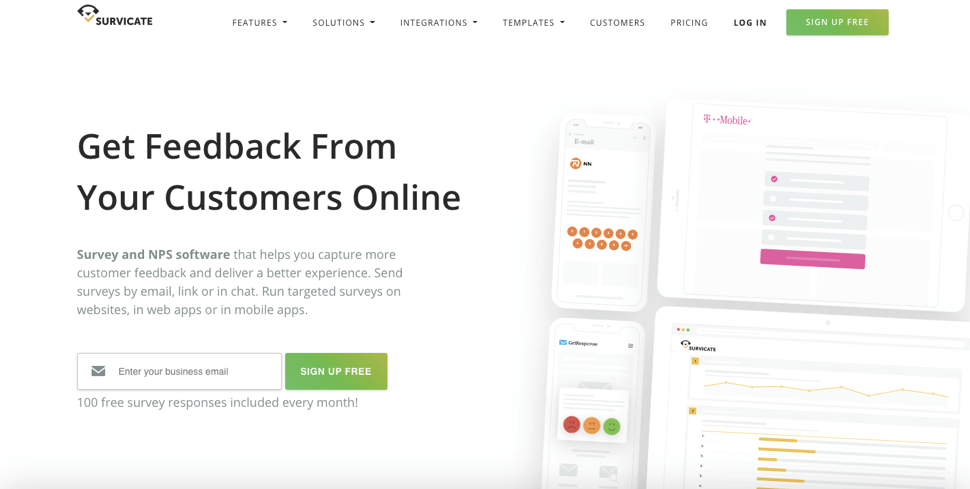
Survicate is an excellent feedback survey tool and one of the great SurveySparrow alternatives to SurveySparrow. You can gather new leads, research, and marketing data, and so on, across the user journey.
This customer feedback system is a complete solution in itself and can be easily integrated into your website. Survicate is especially popular with SaaS teams following a product-led growth approach, as it enables short, behavior-triggered surveys that reduce survey fatigue while still capturing timely insights.
Excellent for: Collecting real-time feedback, multi-channel survey deployment, predictive intelligence analysis
Solves SurveySparrow’s: Survey fatigue by enabling event-based, in-product micro-surveys across the user journey
Third-party integrations allowed: Yes
Good for: Small to large businesses
Price: Starts with $49/month
Free trial available: Yes
Features:
- Launch surveys on multiple channels, including website, mobile, chat surveys, and web apps.
- Supports creating surveys like Customer satisfaction surveys, customer effort surveys, net promoter score surveys, etc.
- Offers integrations like ActiveCampaign, Google Analytics, HubSpot, and more.
- Manage feedback from multiple sources.
- Comes with 125+ professionally designed templates to increase survey deployment.
Pros:
- Response management and monitoring with Feedback Hub.
- Embed surveys in Intercom Messengers
Cons:
- Question types are not optional
- The basic plan has limited features
Case study: Brainly
Brainly is one of the largest peer-to-peer learning platforms. Jakub Piwnik, Communications Manager at Brainly, says that they wanted to understand the needs of their users. “We want to know their problems and feelings about education. Our analyses are often backed up by actual conversations with users.”
It is how they came to use Survicate and collected more than 1.5 million responses via surveys.
SurveySparrow Alternative #10: CrowdSignal
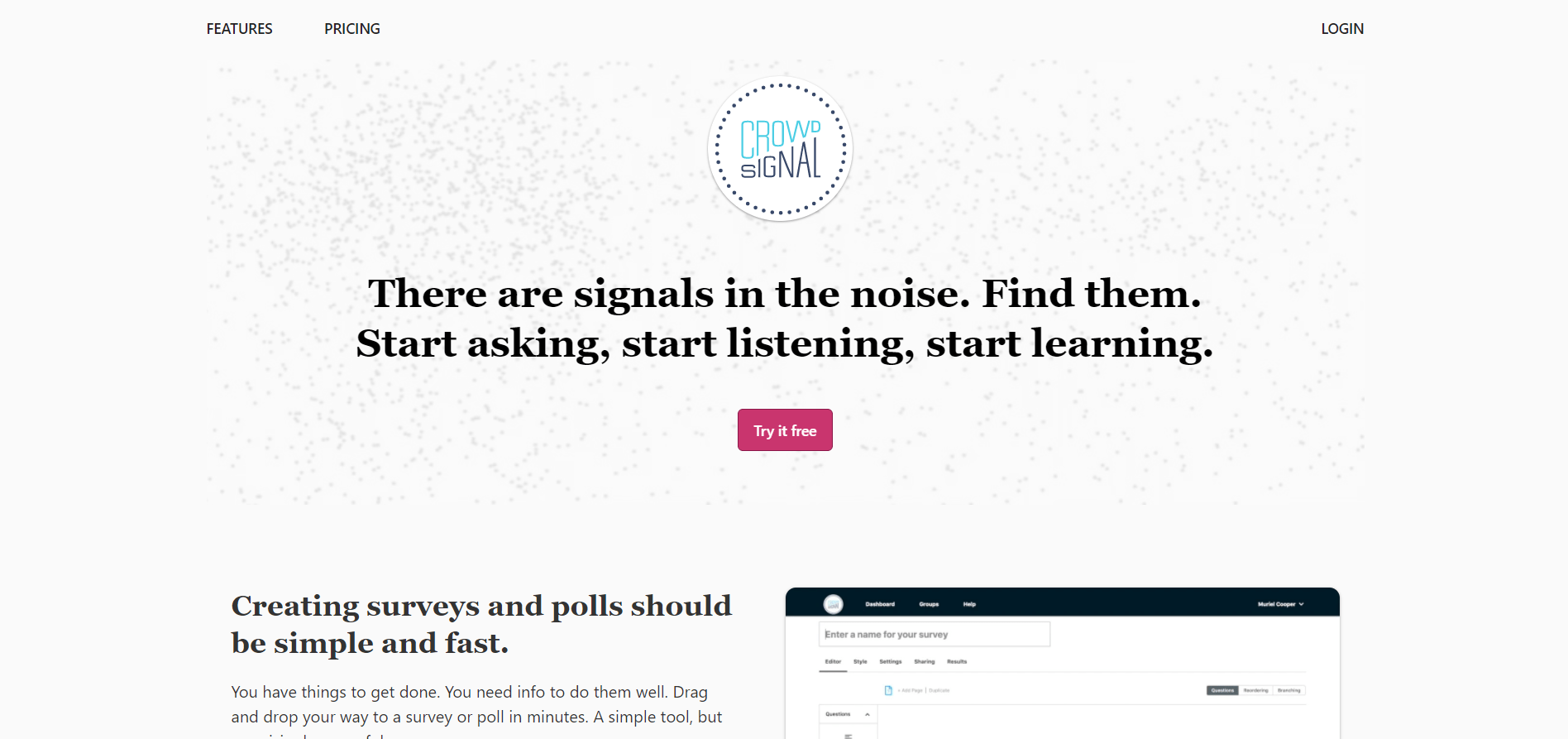
CrowdSignal is a well-known survey and poll builder tool, making it one of the free SurveySparrow alternatives. The software lets you create surveys and polls for social media, websites, email campaigns, etc.
Companies like Cisco, Allianz, FedEx, PayPal, etc., have used CrowdSignal to capture customer feedback and improve their processes.
Excellent for: Design polls and surveys for different platforms
Solves SurveySparrow’s: Overkill features when teams only need fast polls and lightweight feedback collection
Third-party integrations allowed: Yes
Good for: Small to large businesses
Price: Starts from $25/month
Free Trial Available: Yes
Features:
- Easy to create and customize polls and surveys to match the personalized branding.
- Use survey and poll templates to know the pulse of your customers with the right questions.
- Comes with a reporting engine to aggregate, print, and export results from feedback data.
- Supports email distribution and marketing, and feedback management.
- You can track live results to take real-time decisions backed by honest customer feedback.
- Supports skip logic, branching, and adding rich media like images, videos, and audio in the surveys.
Pros:
- Easy-to-use and responsive polls/surveys
- Simple setup and doesn’t require technical knowledge
- Question branching with a variety of questions
- Streamlined reporting
- Mobile-optimized surveys
Cons:
- Doesn’t avoid multiple responses from a single participant
- Shows poll answers immediately to the respondents
- Can’t optimize uploaded images in mobile view
Practical Use Case:
Not available.
SurveySparrow Alternative #11: Delighted
Delighted is another tool similar to SurveySparrow. It is flexible as it collects nuanced data insights from the customers. It helps create multiple survey types, including NPS surveys and long-form surveys.
Excellent for: Multi-channel surveys, In-depth data dashboards, reporting
Solves SurveySparrow’s: Lack of NPS-first workflows and benchmarking for CX-focused teams
Third-party integrations allowed: Yes
Good for: Medium to large businesses
Price: Starts from $19/month
Features:
- Allows you to create multiple surveys for web apps, iOS apps, websites, and email.
- You can create single-question surveys with multiple branching questions.
- Supports question randomizer, skip logic, targeting options, several response types, mobile responsive design, and survey design customizations.
- The reporting dashboard is great for gathering valuable insights from the collected data and segregating it into categories like gender, tags, locations, and more.
- Offers sentiment analysis to track customers’ emotions and collective qualitative insights.
- Seamless integration with Slack, HubSpot, Heap, Segment, and other such third-party tools.
- Comes with an in-built NPS score calculator and supports benchmarking trends with a trend monitor.
Pros:
- Offers more flexibility with survey types
- Has decent features in a basic plan
Cons:
- Lacks variety for question types
- Limited survey targeting options
Case study: Bonobos
A men’s clothing and accessories brand, Bonobos, wanted to know how customers feel about the new shipping process. The brand used a Delighted NPS survey and found that the customers were not happy with the changes.
After analyzing the NPS score, the company was able to go back to the process customers prefer and avoid making a wrong decision.
SurveySparrow Alternative #12: Paperform
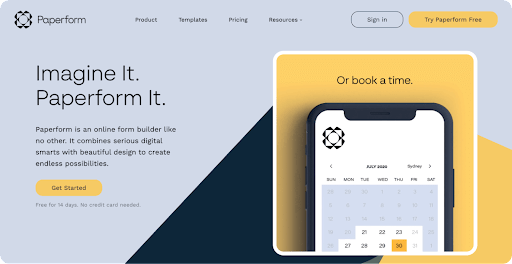
Paperform is a form solution not only to collect in-depth customer feedback but also to take payments, schedule appointments, create product pages, and automate workflows. It’s essentially an all-in-one tool to help small businesses cut down on busy work.
Excellent for: Conducting multi-channel surveys, advanced reporting, and AI-based Sentiment Analysis
Solves SurveySparrow’s: Inflexible survey workflows when teams need payments, automation, and form logic in one tool.
Third-party integrations allowed: Yes
Good for: Small to Medium businesses
Price: Starts from $24/month
Free trial available: Yes
Features:
- 28+ Advanced features like conditional logic, calculations, skip logic, matrix fields, and more.
- Automated workflow capabilities
- Comes with e-Signature and payment support.
- Provides 650+ expertly-designed templates for surveys, lead generation, enrollment forms, and more.
- Advanced customization and theming for personal branding. You can add videos, images, bespoke UI, and even GIFs to the surveys as part of customization.
- Gives a unique URL for surveys to easily embed in the website.
- Tailored success, redirect, and partial submission responses
- Customizable logic allows you to set triggers and control when, where, and how frequently respondents see the survey.
- Survey summaries are sent to respondents via email.
- In-house Analytics and reporting, plus integrations with Google Analytics and Facebook Pixel.
- Easy to analyze data via reporting and analysis.
- Export reports in CSV and PDF file format.
- 3,000+ integrations with popular apps like MailChimp, Slack, Trello, ActiveCampaign, etc
Pros:
- Drag and drop editor
- Allows receiving payment via payment integrations
Cons:
- No free trial is available
- Limited features in the basic plans and top-tier plans are expensive for a form builder
Case study: Bold City Legal
Paperform helped a law firm, Bold City Legal, save up to 25+ hours in onboarding multiple customers at once as compared to before.
In the words of Larissa Bodniowycz, attorney at BCL – “Paperform has helped us create a dynamic intake system that saves us hours of time during client onboarding. For example, if we have a client come on board who needs a trademark registration, we have a specific intake form which allows us to receive exactly the information we need from them to get started.”
Bonus Read – 11 Best Refiner Alternatives & Competitors
How We Evaluated These SurveySparrow Alternatives
Each tool on this list was assessed against the specific pain points that drive teams away from SurveySparrow, not general survey tool criteria. The evaluation focused on six factors:
- Targeting flexibility: Can the tool trigger surveys based on user behavior, journey stage, or in-product actions without developer involvement?
- Analytics depth: Does reporting go beyond scores to surface qualitative themes, trends, and segmentation?
- Pricing transparency: Are core features accessible at entry-level tiers, or gated behind expensive plan jumps?
- Integration reliability: Do native integrations with CRM, analytics, and help desk tools hold up at scale?
- Deployment flexibility: Can surveys be deployed across web, mobile, email, and in-product without separate tools?
- Implementation friction: How much technical overhead does setup and ongoing maintenance require?
Tools were shortlisted based on how well they address at least two of the above criteria better than SurveySparrow does at its mid-tier pricing.
The right tool depends on what broke down with your current setup. Use this as a quick filter:
| If Your Priority Is... | Best Fit From This List |
|---|---|
| In-context, behavioral feedback for SaaS products | Qualaroo |
| Budget-friendly surveys with broad question types | ProProfs Survey Maker, CrowdSignal |
| Open-source or self-hosted data control | LimeSurvey |
| Advanced logic, scripting, and research flexibility | Alchemer |
| NPS-first workflows and CX benchmarking | Delighted |
| Conversational, design-led surveys | Typeform |
| Compliance-heavy or regulated industry workflows | Formstack |
| Product-led growth microsurveys with event-based triggers | Survicate |
| Forms combined with payments and workflow automation | Paperform |
| General-purpose surveys with AI-assisted optimization | SurveyMonkey |
| CX and EX programs with automation | SoGoSurvey |
| Fast polls with lightweight setup | CrowdSignal |
FREE. All Features. FOREVER!
Try our Forever FREE account with all premium features!
Choose the Best Survey Tool
And with this, we end our list of the top 12 alternatives to SurveySparrow that businesses of all shapes and sizes can try for whatever purpose they want. For instance, you can choose Qualaroo for Sentiment Analysis and gather qualitative insights, or choose something like CrowdSignal to create polls.
If you’re evaluating SurveySparrow alternatives, the biggest differentiator isn’t the number of features; it’s how easily the tool fits into your existing workflows.
Many teams move away from SurveySparrow due to rising costs, limited analytics depth, or friction in deploying and maintaining surveys at scale.
Before making a decision, consider how quickly your team can launch surveys, how reliably integrations are maintained, and whether insights are easy to act on without technical overhead.
One thing to keep in mind while choosing the best SurveySparrow is to make sure it offers features suitable for your business and gives you room to explore your customers’ minds and avenues to improve your customer experience.
Frequently Asked Questions
Is SurveySparrow free?
SurveySparrow may offer limited free access, usually through trials or restricted plans. However, most teams need a paid plan to unlock core features like advanced logic, automation, deeper reporting, and integrations. If cost is a deciding factor, comparing paid tiers against lower-cost alternatives similar to SurveySparrow can be useful.
What is the best free survey site?
SurveySparrow may offer limited free access through trials or restricted plans, but most business features require a paid tier. If you’re upgrading mainly for targeting, insights, and integrations, compare options like Qualaroo, which focuses on high-intent, in-context feedback, often improving response quality without broader survey blasts.
Can SurveySparrow’s conversational surveys be blocked by ad-blockers?
Some users report that conversational widgets can be impacted by ad-blockers, reducing visibility and response rates. If that’s a risk for your audience, look for tools with flexible deployment options and smart targeting. Qualaroo is often used for lightweight, non-intrusive Nudges™ across key pages and flows.
What’s the best SurveySparrow alternative for privacy or self-hosting?
For teams with strict data privacy or compliance requirements, platforms that support self-hosting or stronger data controls are often preferred. This is particularly relevant for regulated industries or sensitive research use cases where data residency and respondent anonymity are critical. Qualaroo is commonly used for contextual surveys with structured analysis while maintaining a smooth user experience.
How is SurveySparrow different from tools like Qualaroo or Typeform?
SurveySparrow focuses on conversational survey experiences with multi-channel distribution. Qualaroo is built specifically for in-product, behavioral feedback triggered by user actions, making it more suited to SaaS teams tracking friction at specific journey points. Typeform prioritizes engagement and design, with a one-question-at-a-time format that tends to work well for external-facing surveys and lead generation. The right choice depends on whether you need passive distribution, in-context triggering, or high-engagement form design.
Which SurveySparrow alternative works best for small SaaS teams on a tight budget?
ProProfs Survey Maker at $19.99/month and CrowdSignal at $29/month are the most accessible entry points. For teams that specifically need in-product feedback without developer involvement, Qualaroo's free plan covers core functionality. Delighted at $19/month is worth considering if NPS tracking is the primary use case.
What should I check before migrating from SurveySparrow to another tool?
Three things matter most: whether your existing survey logic, branching, and templates can be recreated without rebuilding from scratch; whether your current integrations (CRM, analytics, help desk) are natively supported; and whether the new tool's targeting options match or exceed what you're currently using. Most migration friction comes from integration gaps and logic rebuilds, not the survey creation itself.
Bonus Reads
- Best Online Survey Tools
- Best Customer Feedback Tools
- Best A/B Testing Tools
- Best Conversion Rate Optimization (CRO) Tools
FREE. All Features. FOREVER!
Try our Forever FREE account with all premium features!

 We'd love your feedback!
What did you like & how can we make it even better?
 Thanks for your feedback!
 Ask Your Question
Have a question? Get expert help to make your decision easier.