

You know that moment when your team’s vibe just… flatlines? Meetings go silent. Nobody messages on Slack. Deadlines start slipping, and momentum becomes inconsistent. Engagement doesn’t explode; it slowly leaks out while everyone smiles and says, “I’m fine.”
Most bosses play the guessing game: “Which teams might be at risk of disengagement?” You lose good people, waste cash, and stay up at night worrying.
Here’s the easy fix: send one short, honest team survey that tells you exactly what’s wrong before anyone hands in their notice. No “do you like the coffee?” employee engagement survey questions. Just the real stuff people are scared to say in meetings, plus answers that basically tell you how to fix it.
In this guide, I’m handing you everything on a plate:
- The exact employee engagement survey questions that get almost everyone to reply (and be dead honest)
- How to keep it so short that they finish it in 5–6 minutes
- The dead-simple steps to send it today, read the results without panic, and actually fix things fast
When you’re done reading, you’ll be ready to hit “send” on a survey that saves your team and keeps your best people happy.
No more guessing. Let’s fix it together, starting right now!
What an Employee Engagement Survey Really Is (And Why You Need One)
An engagement survey is basically your team telling you the truth without the fear of side-eye, politics, or awkward meetings. It’s a structured way to ask, “What’s helping you do great work, and what’s slowly draining you?” and actually get an answer you can use.
You’re not measuring happiness. You’re measuring commitment, clarity, trust, workload, growth, and whether people still believe this place is worth their effort. If any of those slip, performance slips with them.
Here’s why you can’t run a team without one:
- You catch small frustrations before they turn into resignations.
- You see which managers are thriving and which ones need a hand.
- You spot burnout early, not when someone’s already updating their resume.
- You get honest insights that don’t surface in 1:1s or standups.
- You build trust fast by showing people you actually listen and act.
If you’ve ever wished your team came with warning lights, this is the dashboard for you. A good engagement survey gives you the signal. The rest of this guide shows you how to use it.
The 3 Surveys Every Team Actually Needs
Most teams only need three survey types to maintain a reliable engagement pulse. Additional surveys can be useful in specialized cases.
1. The Annual Deep Dive
Your once-a-year full scan. It shows you the big issues you can’t see in day-to-day conversations.
Use it to:
- Set your baseline for the year
- Spot slow-burning culture problems
- Understand themes across the whole company
2. Pulse Surveys
Short and fast. Five to ten employee engagement survey questions max. You use these to test if things are getting better or worse. This is your early-warning system.
Use them when:
- You’ve made a change and want to see if it helped
- A team feels “off,” and you want clarity
- You want ongoing feedback without annoying everyone
3. Lifecycle Surveys
These trigger at key moments: onboarding, promotion, exit, and role changes. They catch problems tied to the employee journey. Put simply, these surveys help you fix the cracks people only notice during transitions.
Use them to learn:
- If onboarding is actually setting people up
- What long-timers love or hate
- Why people really leave
- Whether internal tools or processes are slowing teams down
How These Work Together
Run one annual survey. Use pulses to track progress. Use lifecycle surveys to catch hidden friction. That’s your whole listening system, kept simple.
75+ Employee Engagement Survey Questions
Here’s the part your team will actually thank you for. Each category starts with a quick note on the best question formats so you don’t confuse people or mix signals. Keep the survey short, use only what you need, and you’ll get honest, actionable answers.
Job Satisfaction and Retention
Best question types: 0–10 ratings, yes/no, and one short open-text.
You’re checking whether people enjoy the work, feel motivated, and plan to stay.
Employee Engagement Survey Questions to Use:
1. On a scale of 0 to 10, how satisfied are you with your current role?
2. Do you feel your work is meaningful?
3. Does your role make good use of your skills?
4. Do you see yourself here one year from now?
5. How often do you think about looking for another job?
6. Do you feel your day-to-day work is manageable?
7. Do you feel proud of the work you do here?
8. I feel excited about my work most days.
9. My job makes good use of my strengths.
10. I rarely feel drained after a normal workday.
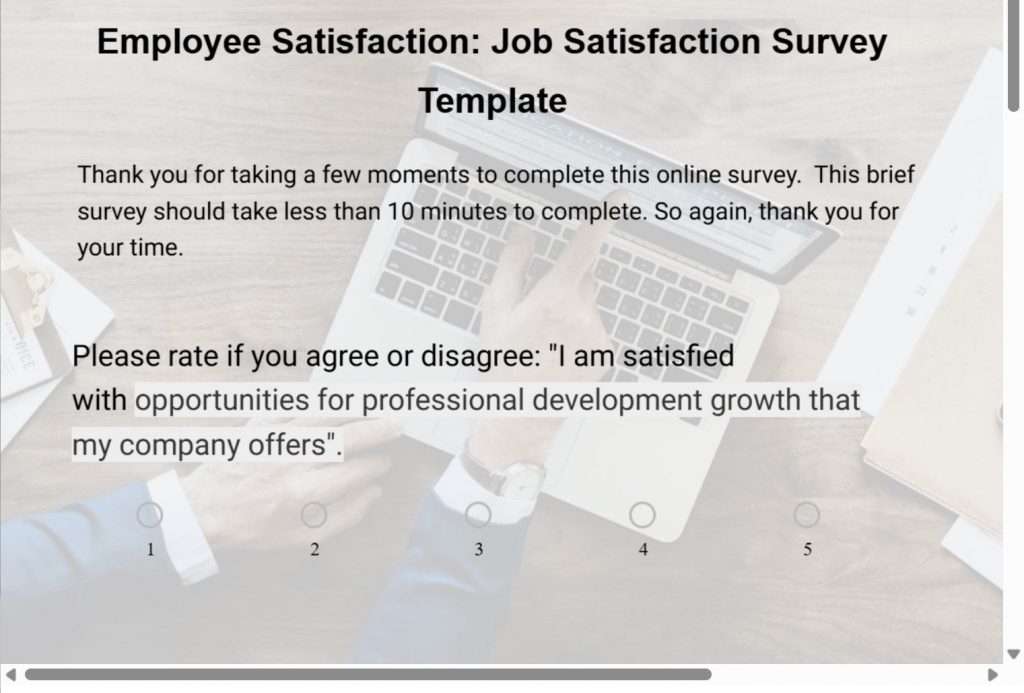
For easy creation, you can use this employee job satisfaction survey template:
Alignment and Purpose
Best question types: agreement rating scales (Strongly Agree to Strongly Disagree).
You’re checking if people understand the company’s direction and how their work fits into it.
Employee Engagement Survey Questions to Use:
11. I understand the company’s goals and direction.
12. I see how my work contributes to those goals.
13. Leadership communicates the “why” behind decisions.
14. I believe the company is headed in the right direction.
15. I feel connected to the company mission.
16. I understand how success is measured in my team.
17. I feel connected to the bigger impact of my work.
18. The company’s priorities feel clear to me.
19. I see how my team supports the company’s long-term vision.
20. I understand how decisions are made at the company level.
Manager and Leadership Trust
Best question types: agreement ratings plus one open-text follow-up.
You’re checking whether people trust their managers, feel supported, and see leadership as credible.
Employee Engagement Survey Questions to Use:
21. My manager clearly sets expectations.
22. My manager gives useful, timely feedback.
23. I feel comfortable speaking openly with my manager.
24. My manager supports my growth.
25. Leaders make decisions I trust.
26. I believe leadership cares about employees.
27. My manager handles conflict fairly.
28. My manager checks in without micromanaging.
29. Leadership follows through on commitments.
30. I trust my manager to handle issues that affect the team.
31. Senior leaders communicate transparently.
32. My manager treats everyone on the team fairly.
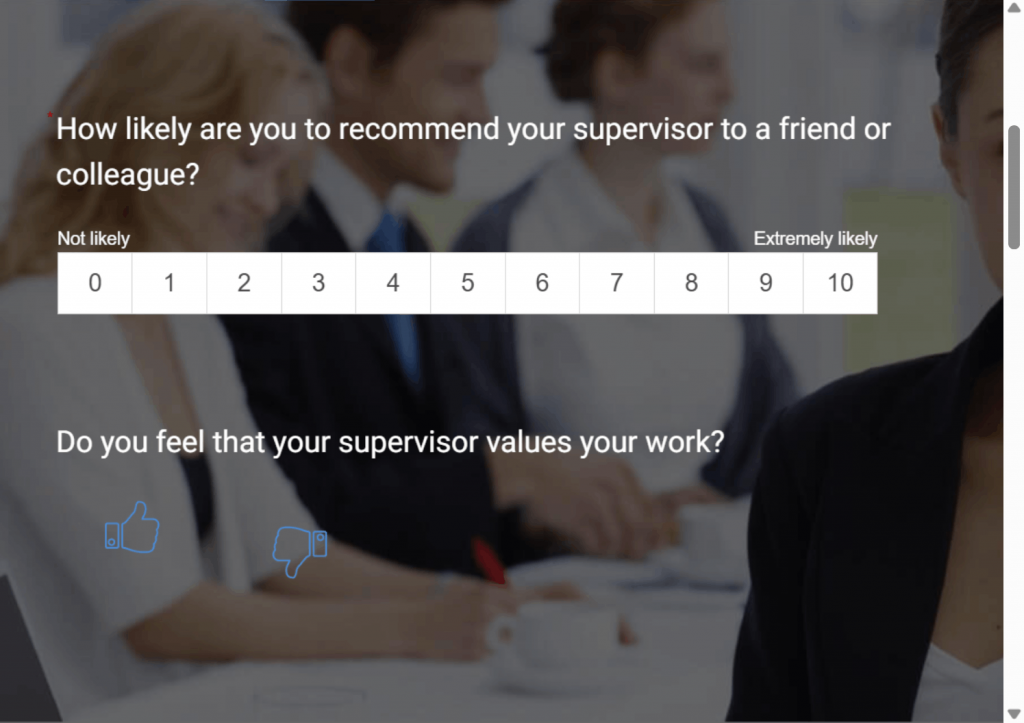
Create a management survey with this no-brainer manager/supervisor evaluation template:
Growth and Development
Best question types: rating scales plus one reflective open-text question.
If growth stalls, retention drops. These questions tell you if people feel like they’re moving forward.
Employee Engagement Survey Questions to Use:
33. I have opportunities to learn new skills.
34. I’m satisfied with the training or development available.
35. I see a path for career growth here.
36. I get chances to take on new responsibilities.
37. I receive mentoring or coaching.
38. My work challenges me in a good way.
39. I’m encouraged to learn skills outside my core role.
40. I feel the company invests in my growth.
41. I get enough stretch opportunities.
42. I know what skills I need for my next role.
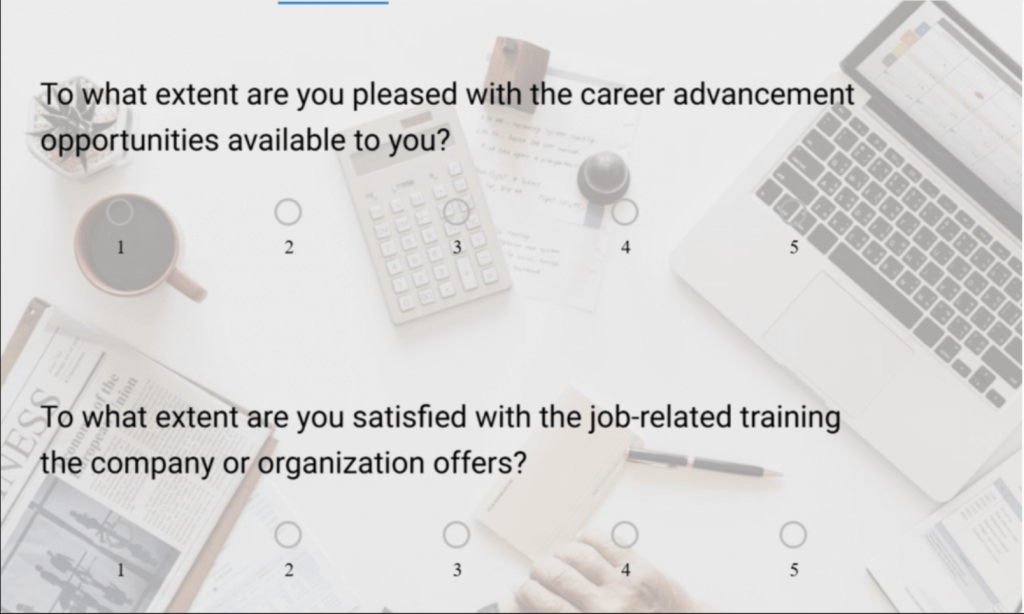
Use this employee opportunity & motivation survey template for easy creation:
Workload and Well-Being
Best question types: agreement ratings, workload rating (0–10), plus one open-text if needed.
You’re checking where burnout is hiding.
Employee Engagement Survey Questions to Use:
43. My workload feels reasonable.
44. I can disconnect from work when the day ends.
45. I have the tools and resources I need.
46. I feel the company supports my well-being.
47. Stress at work is manageable for me.
48. I can usually take time off when needed.
49. My workload allows me to deliver quality work.
50. I feel supported when personal challenges come up.
51. I rarely feel close to burnout.
52. I rarely feel pressured to work outside normal hours.
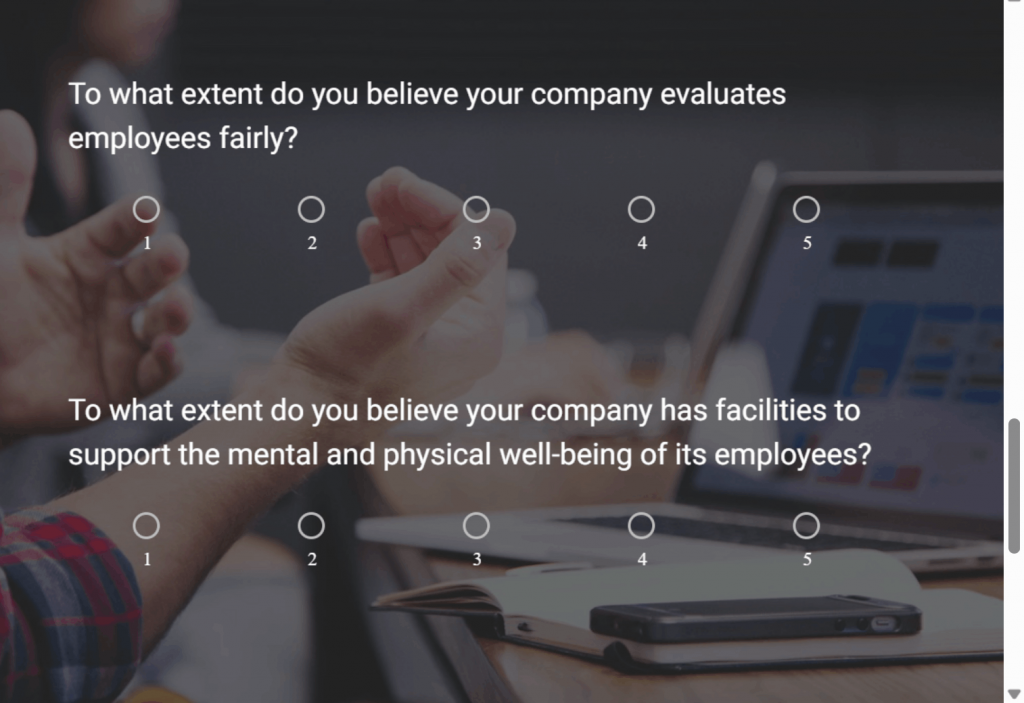
Leverage this work-life balance survey template for your employees:
Remote and Hybrid Experience
Best question types: agreement ratings and one open-text follow-up.
You’re checking whether remote employees feel included, supported, and recognized.
Employee Engagement Survey Questions to Use:
53. I feel included even when working remotely.
54. I have the tools to work effectively from home.
55. Communication works well across remote and in-office teams.
56. I feel recognized for my contributions.
57. Collaboration works well in our remote setup.
58. I feel connected to my team despite distance.
59. I have equal access to information as in-office teammates.
60. I feel just as visible as onsite colleagues.
61. I rarely feel isolated when working remotely.
62. I can easily reach my team when I need support.
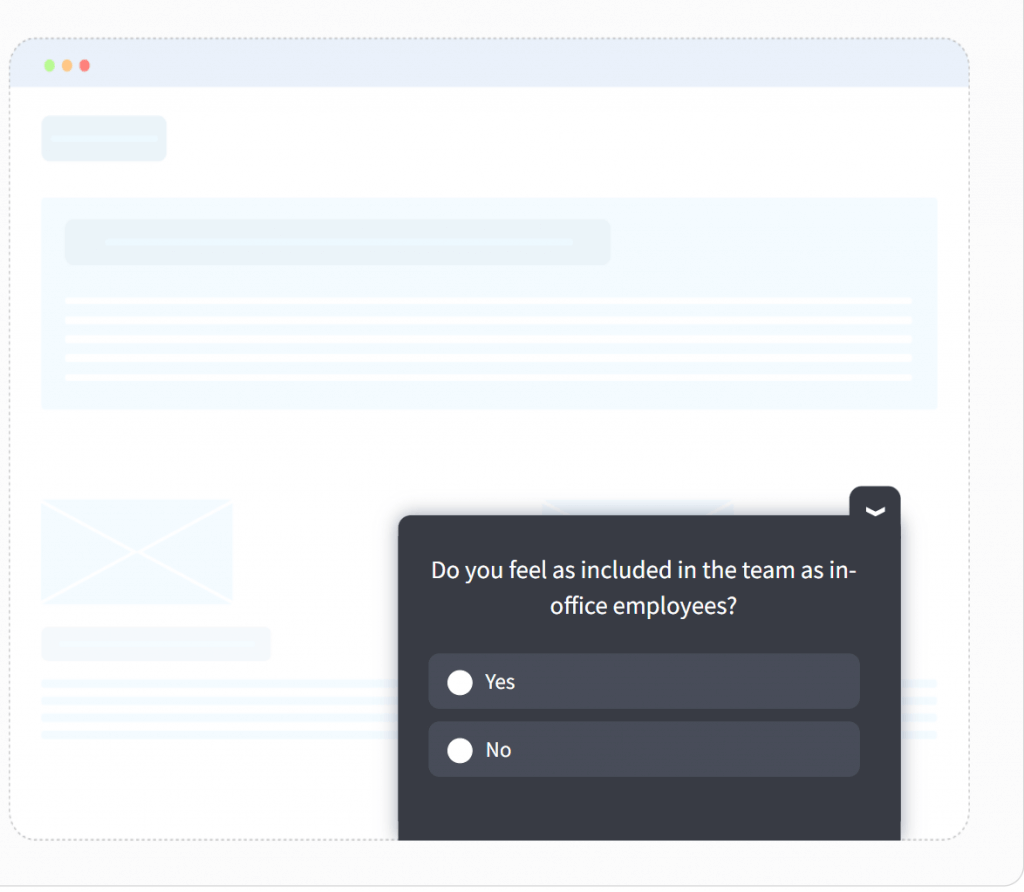
Do quick pulse checks with in-app microsurveys on your communication channels:
Feedback and Recognition
Best question types: agreement ratings + frequency scale (Never to Always).
You’re checking whether effort gets noticed or disappears into the void.
Employee Engagement Survey Questions to Use:
63. I feel valued for the work I do.
64. I receive recognition regularly.
65. I get feedback that helps me improve.
66. I feel comfortable giving feedback to others.
67. Good performance is rewarded fairly.
68. I receive clear performance expectations.
69. I know what “great performance” looks like in my role.
70. I receive feedback quickly after delivering work.
71. Recognition here feels genuine.
72. I feel safe giving upward feedback.
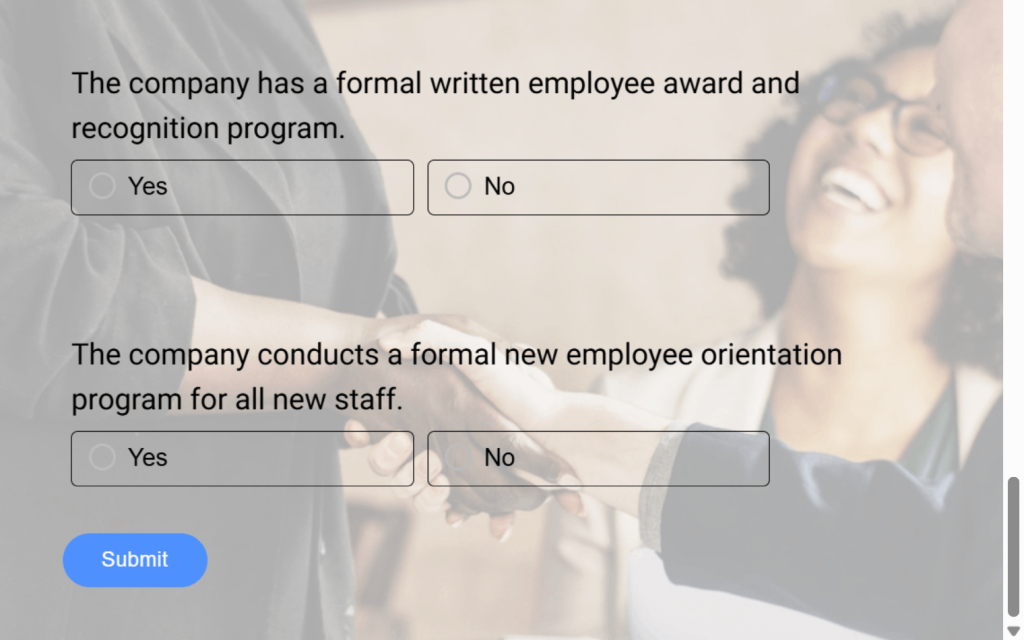
Try out this employee recognition survey template:
Compensation and Benefits
Best question types: satisfaction rating, fairness rating, plus one open-text.
You’re checking whether pay feels fair and benefits feel useful.
Employee Engagement Survey Questions to Use:
73. I’m satisfied with my compensation.
74. My pay feels fair for my role and market.
75. Our benefits meet my needs.
76. Pay and rewards feel tied to performance.
77. Better benefits would make me more likely to stay.
78. I understand how compensation decisions are made.
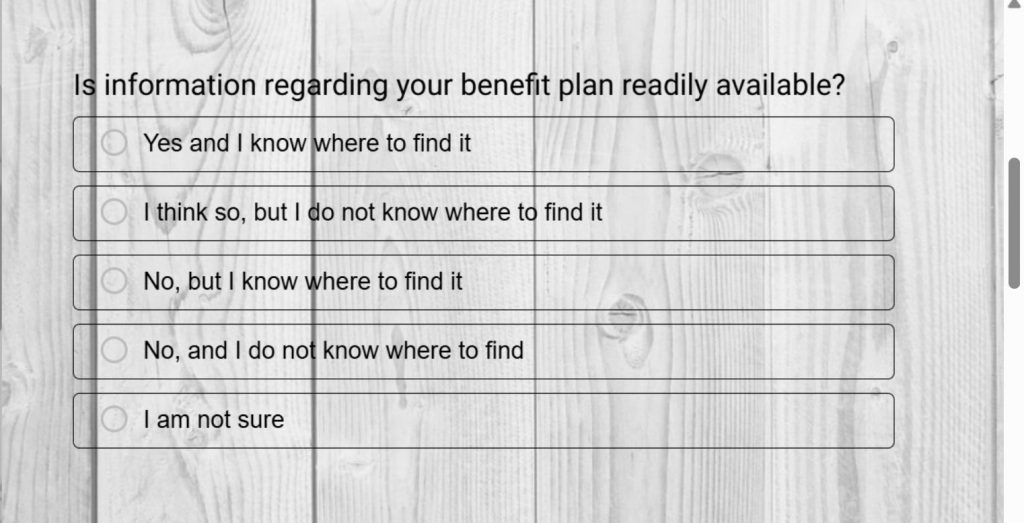
You can use and customize this employee benefits survey template:
Open-Ended Questions
This is where the truth shows up unfiltered. Use these to surface nuance you won’t get from ratings.
(Already included above, but keep them in the final survey):
- What’s one thing we could change to improve your experience here?
- What’s going well that we should double down on?
- What’s the biggest challenge in your role right now?
- If you could fix one workflow or process tomorrow, what would it be?
- Any feedback for leadership we didn’t cover?
Questions You Should Avoid
These employee engagement survey questions ruin your data and confuse employees, so cut them:
- Leading questions: They nudge people toward a “safe” answer. Example: “Don’t you agree the company communicates well?”
- Double-barreled questions: Asking two things at once guarantees garbage data. Example: “Do you feel supported by your manager and your team?”
- Vague questions: If people interpret it differently, the score means nothing. Example: “Do you feel good about work?”
- Overly negative or accusatory questions: They trigger defensiveness instead of truth. Example: “How often does leadership fail you?”
- Hypothetical questions: They measure opinions, not real experiences. Example: “If we redesigned the org chart, would you feel more engaged?”
Rule of thumb: If a question doesn’t point directly to an actionable fix, delete it.
How to Design and Run a High-Trust Engagement Survey (Step-by-Step)
Most engagement surveys fail for one simple reason: people don’t trust them. If your survey feels long, vague, or risky to answer, your team will either sugarcoat everything or skip it altogether.
Here’s the workflow that gets high participation and honest answers every time.
Step 1: Pick One Clear Goal
Don’t start a survey until you know the exact problem you want to understand.
- Are you trying to reduce churn?
- Check a team’s morale?
- Validate whether a new manager is landing well?
A clear goal keeps you from adding 50 random questions that lead nowhere.
Step 2: Decide Who You’re Surveying
Not every survey should go to everyone. Sometimes you only need:
- One department
- One project team
- Remote staff
- New hires
- People under a specific manager
Smaller surveys give sharper signals.
Step 3: Lock in Your Anonymity Rules
This is the make-or-break moment. If people think their answers can be traced back to them, the whole survey collapses.
Make your rules explicit:
- No reporting on groups smaller than five
- No hyper-specific demographics
- No “manager-specific dashboards” unless thresholds are met
- No exporting raw responses with names attached
Say this upfront. People will trust you more.
Step 4: Choose 15–20 Questions Max
You don’t need a 60-question monster.
Use:
- 12–15 rating questions to get the signal
- 3–5 open-text questions to get the story
- 1 eNPS-style question for a retention benchmark
If the survey takes longer than six minutes, you’ll lose attention and honesty.
Step 5: Build the Survey in the Right Tool
You want a tool that keeps the survey clean and gives you instant reporting.
Use:
Skip the manual spreadsheets. Use ProProfs Survey Maker for structured surveys like annual engagement checks or quarterly pulses. Its templates and AI builder let you customize easily, while analytics handle the heavy lifting.
Here’s a quick video for you to learn how to create a survey from scratch:
For lightweight, ongoing listening, use Qualaroo’s microsurveys directly inside Slack or whichever tool your team uses daily. These quick 1–2 question checks help you track morale without causing survey fatigue. Plus, Qualaroo is by-default anonymous, so no need to enable or disable any anonymity functionality. Creating nudges on Qualaroo is pretty easy. Let me share a detailed guide for you to create microsurveys for regular pulse checks.
If you wish to know more about Qualaroo, here’s a quick video as well:
The tool matters. Manual surveys lose credibility fast.
Step 6: Time It Right
Bad timing equals bad data.
Avoid:
- End of quarter
- Launch weeks
- Performance review season
- Anything high-stress
Open the survey for five to seven days, send two reminders, and keep it predictable.
Step 7: Distribute Smartly
Don’t rely on email alone. Share it in:
- Slack
- Team meetings
- 1:1s
- Internal newsletters
If you want high participation, meet people where they already are.
Step 8: Test With 5–10 People Before Launch
A five-minute pilot saves you hours of cleanup.
Ask:
- “Did anything feel confusing?”
- “Did you hesitate at any question?”
- “How long did it take you?”
Fix the snags before you hit Send.
Step 9: Launch, Remind, Close
Once it’s live:
- Send a kickoff message
- Send a mid-survey reminder
- Close it on time
Urgency keeps participation high.
FREE. All Features. FOREVER!
Try our Forever FREE account with all premium features!
How to Analyze Results and Close the Loop (The Part That Actually Builds Trust)
Most teams run surveys, read the numbers, panic a little, and then nothing. That silence kills trust faster than low scores ever could. Here’s the simple system that turns survey data into actual improvements your team can feel.
Step 1: Look at the Signals, Not the Spreadsheet
Start by grouping results under the main engagement drivers you already know: satisfaction, alignment, manager trust, growth, workload, recognition, communication, and retention.
Your goal isn’t to admire the charts. Your goal is to see patterns. If a score is below 7 out of 10, it needs attention.
Step 2: Break Results Down by Team
Company-wide averages hide every real issue. A 7.8 overall score can hide a team sitting at 5.2 and quietly falling apart.
Segment by:
- Department
- Location
- Manager
- Tenure
Look for outliers. That’s where your problems and fixes live.
Step 3: Read the Open Text Responses First
This feels backward, but do it anyway. The open-text answers show the why behind the scores.
Look for:
- Patterns
- Repeat complaints
- Words teams use again and again
- Hotspots like “communication,” “overworked,” or “lack of clarity”
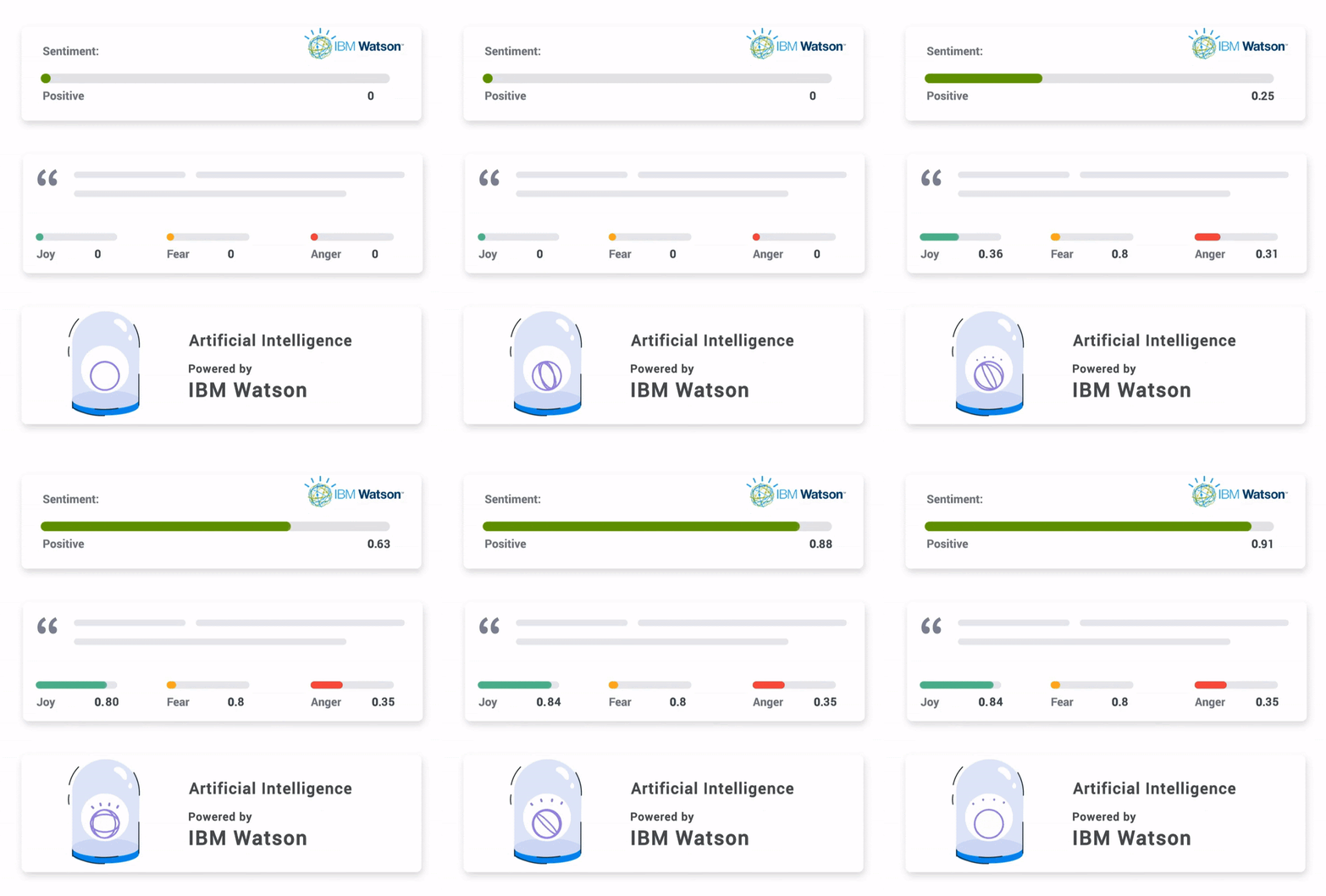
If you want speed, Qualaroo’s AI sentiment analysis and word clouds make this effortless.
Step 4: Pick 2–3 Issues to Fix First
Trying to fix everything kills momentum. Pick the issues with the most impact and clearest fixes.
Examples:
- Communication breakdown
- Unclear expectations
- Manager coaching gaps
- Workload imbalance
- Missing growth paths
Everything else can wait.
Step 5: Share the Results Openly
Don’t sugarcoat. Don’t spin. Don’t hide the bad scores.
Your message should be:
- Here’s what you told us
- Here’s what we’re fixing
- Here’s when we’ll update you
This single step rebuilds psychological safety faster than any perk.
Step 6: Turn Insights Into Actual Behavior Changes
Scores don’t change by themselves. People do.
Examples:
- Low feedback score → managers adopt monthly 1:1s
- Low recognition → weekly shoutouts, fast wins
- Low clarity → rewrite priorities and reset expectations
- Low workload score → redistribute tasks or hire
Tie each fix to a clear owner and timeline. No “we’ll look into it.”
Step 7: Run a Pulse Survey in 8–10 Weeks
This is how you prove you meant what you said.
Use a 5-question pulse focused only on the areas you worked on. If scores improve, keep going. If not, adjust. Here are the questions you can use exactly as written. They’re short, clear, and designed to validate whether your fixes are actually landing:
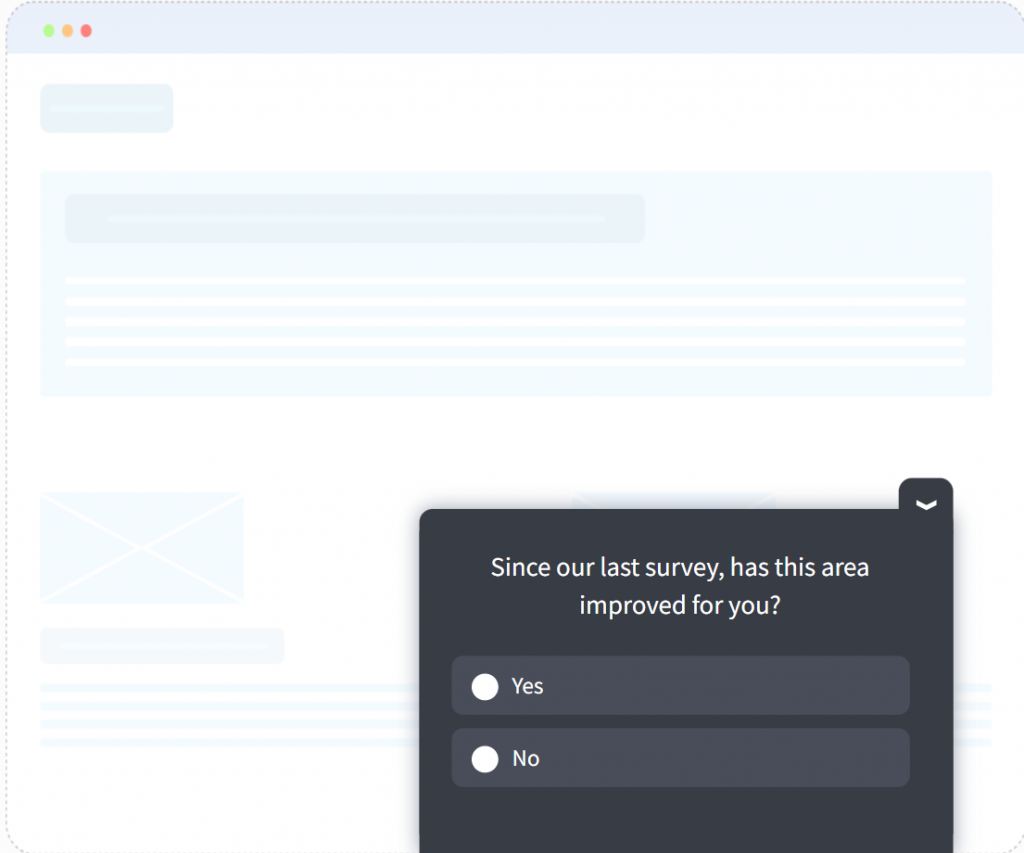
1. “Since our last survey, has this area improved for you?”
Yes / Somewhat / No This gives you the simplest possible signal: did the change actually help?
2. “On a scale of 0 to 10, how satisfied are you with the improvements made so far?”
Quick sentiment check. Clear trend line over time.
3. “Do you feel leadership followed through on the actions we committed to?”
Strongly Agree → Strongly Disagree If this drops, trust drops. Nothing else matters.
4. “How has your experience in this specific area changed?”
Much Better / Better / Same / Worse / Much Worse Useful when you’re tracking a single driver such as workload, communication, or clarity.
5. “What’s one thing we still need to improve here?”
Short open-text. This tells you what your next action should be, not what you think it should be.
Consistency builds trust. Silence destroys it.
Industry-Specific Challenges
`Most teams think engagement problems are the same everywhere. They’re not. Different roles break in different ways. Here’s a quick map of what each group struggles with and the questions that surface the real issues.
1. Engineering and IT Teams
Their Challenge: Constant context switching, unclear requirements, and broken tools slow them down more than “culture issues.”
Ask These:
- “I have the tools and systems I need to do quality work.”
- “Project requirements are clear before I start working.”
- “I rarely feel overloaded with tasks.”
If Scores Dip: Fix requirements, simplify workflows, and reduce ad-hoc interruptions.
2. Customer Support Teams
Their Challenge: High emotional workload, heavy ticket volume, and recognition gaps.
Ask These:
- “My workload feels manageable during most shifts.”
- “I feel supported when dealing with difficult customers.”
- “I’m recognized for my effort, not just output.”
If Scores Dip: Rebalance queues, tighten shifts, or add coaching for difficult interactions.
3. Sales Teams
Their Challenge: Unclear targets, uneven pipelines, and pressure cycles that cause burnout.
Ask These:
- “Targets feel realistic and attainable.”
- “I have enough leads to perform well.”
- “I understand how my performance is measured.”
If Scores Dip: Reset quotas, clarify expectations, and clean up your CRM pipeline.
4. Remote-First Teams
Their Challenge: Visibility, connection, and communication gaps that don’t show up for in-office teams.
Ask These:
- “I feel just as informed as on-site employees.”
- “I feel recognized even when I’m remote.”
- “I can collaborate smoothly without being in the office.”
If Scores Dip: Improve asynchronous communication habits and build consistent team rituals.
5. Healthcare or Frontline Staff
Their Challenge: High workload, emotional stress, fairness concerns, and feeling unheard.
Ask These:
- “My workload is reasonable for the nature of my role.”
- “I feel supported when work becomes emotionally difficult.”
- “I believe staffing decisions are fair.”
If Scores Dip: Address scheduling, staffing ratios, and support systems first.
The 5 Cs and 4 Ps of Engagement (The Simple Framework You’ll Actually Use)
These two frameworks help you understand why a score dipped and what to fix first. They’re simple, fast to read, and they map directly to the questions you ask.
Use them as your mental model when reading survey results. If something breaks, it will break in one of these areas.
The 5 Cs of Engagement
The 5 Cs tell you whether people feel supported, connected, and recognized in their day-to-day work. Each C gets one signal, one sample question, and one fix.
| Cs | What It Really Means | Sample Question | If This Drops, Fix This |
|---|---|---|---|
| Care | People feel supported as humans, not just workers. | "I feel the company supports my well-being." | Reduce overload, encourage time off, fix burnout hotspots. |
| Connect | People feel part of a team they trust and enjoy. | "I feel connected to my team." | Improve communication rhythms, rebuild team rituals. |
| Coach | People feel guided and backed by their manager. | "My manager helps me grow." | Train managers on giving feedback, clarity, and consistent check-ins. |
| Contribute | People feel their work matters and moves the company forward. | "I see how my work contributes to company goals." | Re-explain priorities, connect everyone to outcomes. |
| Congratulate | People feel recognized and appreciated. | "I receive recognition regularly." | Build lightweight recognition habits and routines. |
The 4 Ps of Engagement
The 4 Ps zoom out and help you understand whether the system around your people sets them up to win. Same format: one signal, one question, one fix.
| P | What It Really Means | Sample Question | If This Drops, Fix This |
|---|---|---|---|
| Purpose | People understand the mission and their place in it. | "I understand the company’s mission." | Communicate the 'why' more clearly and consistently. |
| People | Teams work well together without drama or friction. | "Teams here work well together." | Surface cross-team issues, clarify ownership, fix friction. |
| Progress | People see a future and feel like they’re growing. | "I see a path for growth here." | Clarify leveling, growth paths, skills needed for next steps. |
| Process | Tools and workflows help, not block, good work. | "I have the tools I need to do my job well." | Fix bottlenecks, upgrade tools, streamline workflows. |
How to Use These Two Frameworks
When you look at survey results:
- Map each low-scoring item to a C or P
- Fix the system or habit tied to that driver
- Use pulse surveys to confirm the changes landed
This keeps you out of analysis paralysis and gives you a clear roadmap for improvement every time.
Ask Well. Act Fast. Build Trust.
Look, running a survey doesn’t magically fix engagement. Engagement only goes up when you ask sharp questions, keep everything truly anonymous, fix the real problems fast, and then go straight back to the team and say, “You told us this was broken; look, it’s fixed now.”
Most companies collect feedback, nod wisely, and then ghost their own people. You’re not going to be one of those companies.
You’re leaving here with:
- A complete system you can launch this week
- 80 proven questions that actually get the truth
- A process that makes people feel safe enough to be brutally honest
- Clear next steps to turn answers into action before the weekend
- A simple rhythm of pulse checks so you never get surprised again
Want to make it ridiculously easy on yourself? Build the main survey in ProProfs Survey Maker and run your quick weekly pulses in Qualaroo. Ten minutes of setup tops.
You now have a real-time feedback loop in your business, and that’s the difference between teams that burn out and teams that scale with you.
Frequently Asked Questions

What’s the difference between an engagement survey and an exit survey?
An engagement survey tells you what to fix before people leave. An exit survey tells you what you ignored for too long. Use both, but don’t rely on exit surveys to understand morale.
How is eNPS used in engagement surveys?
eNPS is your quick retention risk score. Ask “How likely are you to recommend this company as a place to work?” on a 0–10 scale. Track the score every quarter. If it drops, dig into the open-text answers immediately.
FREE. All Features. FOREVER!
Try our Forever FREE account with all premium features!

 We'd love your feedback!
What did you like & how can we make it even better?
 Thanks for your feedback!
 Ask Your Question
Have a question? Get expert help to make your decision easier.