1 million+ insights captured.10 million+ successful survey Nudges™


sony
dell
cisco
dhl
yale
linkedin
sony
dell
cisco
dhl
yale
linkedin

Real-Life Success Stories

See how product-led brands use Nudges™ to make smarter decisions

Feedback Where the Design Lives, Not in a Separate Tool

Prototype Surveys?

Prototype surveys let you ask users questions as they explore your designs, whether it’s a shared Figma link, an InVision mockup, or a staging URL. Instead of waiting for the build, you get feedback when it’s still easy to act on.

With prototype surveys, you can:

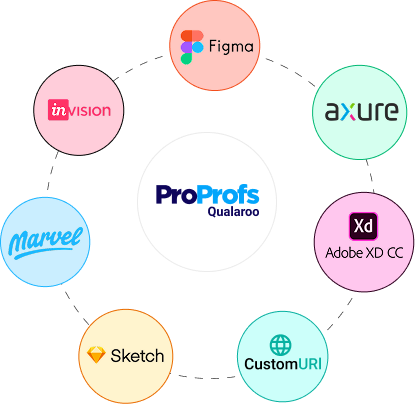
  • tick Qualaroo Works with Figma, XD, InVision, Marvel, or any staging URL
  • tick Qualaroo Ask on live designs, not static screenshots
  • tick Qualaroo No embedding or developer hand-holding needed
  • tick Qualaroo Feels like part of the prototype, not a separate tool
  • tick Qualaroo Run usability tests, copy checks, and concept validation early

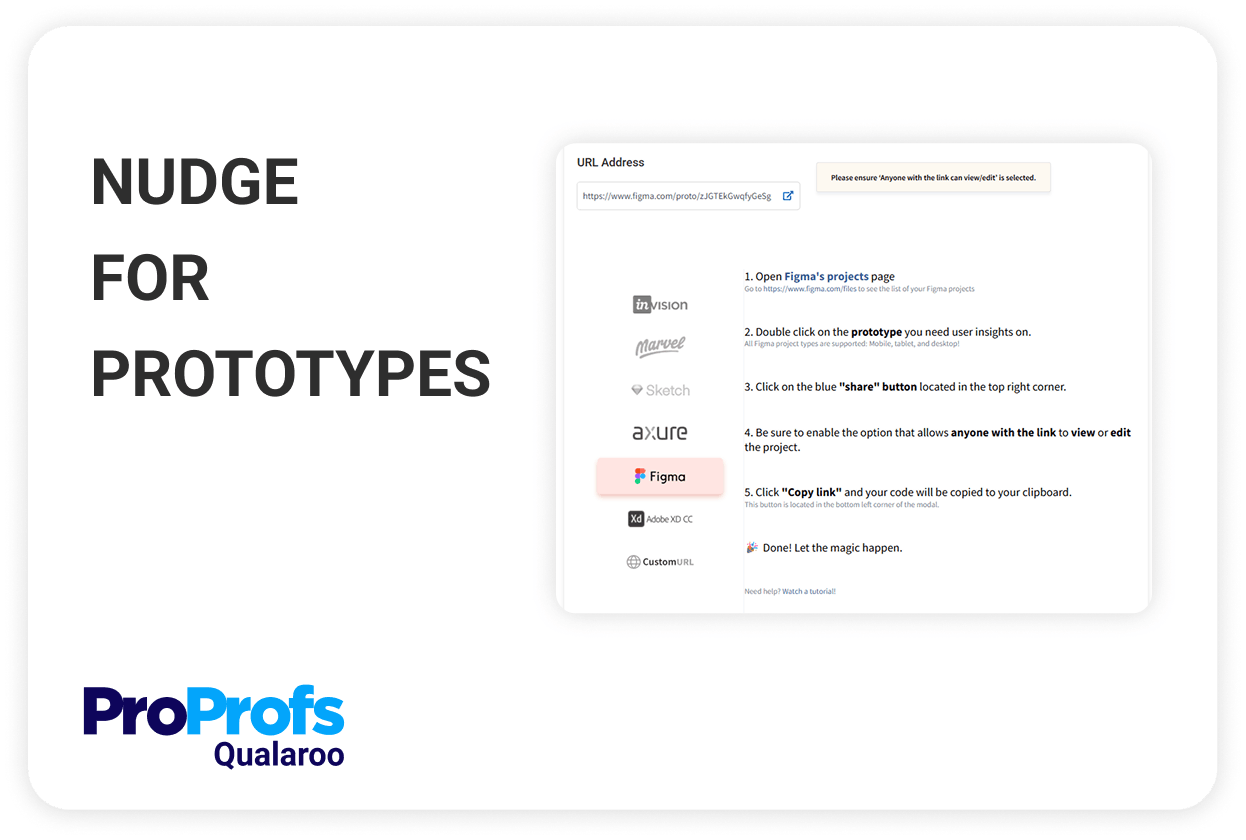
Paste. Target. Launch. That's it.

From Figma link to live survey in under 2 minutes: no code, setup, or slowdown
  • Step 1: Select Your Prototype

    Pick your design from Figma, Adobe XD, or Marvel to start gathering in-context feedback.

  • Step 2: Test & Confirm Compatibility

    Instantly verify that your prototype link is ready & compatible for feedback collection.

  • Step 3: Customize, Target & Launch

    Set your survey questions, customize appearance, choose who sees it, and go live instantly.

Built for Design Teams, Useful for Everyone

Running usability tests or getting stakeholder sign-off, the workflow stays the same
Prototype Surveys?

UX & Research Teams

Get feedback on flows, interactions, and content before UX testing for prototypes even begins.

Design & Product Teams

Validate ideas on mockups and staging links without waiting for development cycles.

Creative & Marketing Teams

Check messaging, visuals, and CTAs with real users while there's still time to tweak.

Client-Facing Teams & Agencies

Make approvals easier with quick feedback on shared design links, no extra meetings needed.

User Insights: Simplified.

Wherever you need them
On a shared version of your mockup
On a shared version of your mockup

Any page on your site
Any page on your site

On your competitor’s site
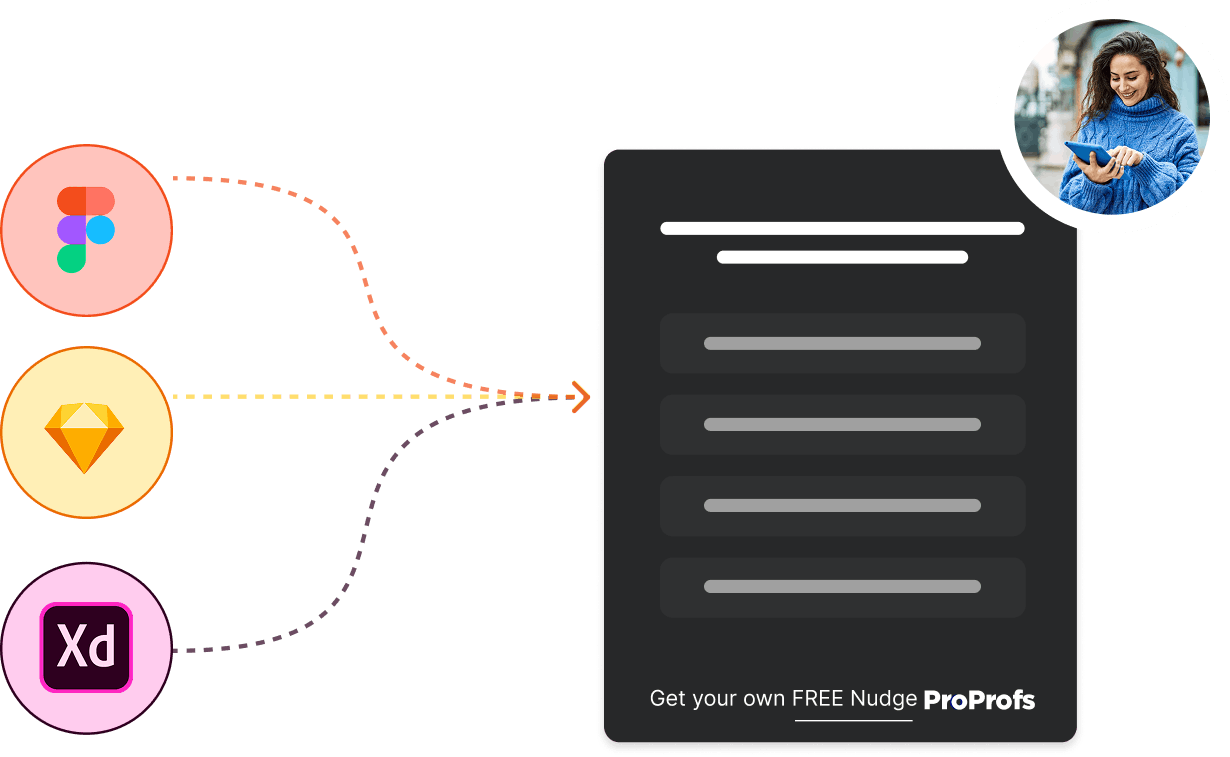
On your competitor’s site

Why Designers Love Prototype Nudges™

Feedback that fits into your design process, not the other way around
Don't Start From a Blank Survey
100+ templates for usability tests

Quickly choose expert-designed templates for prototype usability testing, UI feedback, concept validation, and more, no coding or setup required.

  • tick Qualaroo UX Testing Surveys
  • tick Qualaroo UI Element Feedback
  • tick Qualaroo Beta Testing Questions
  • tick Qualaroo Navigation Flow Validation
  • tick Qualaroo Content Testing & Improvement
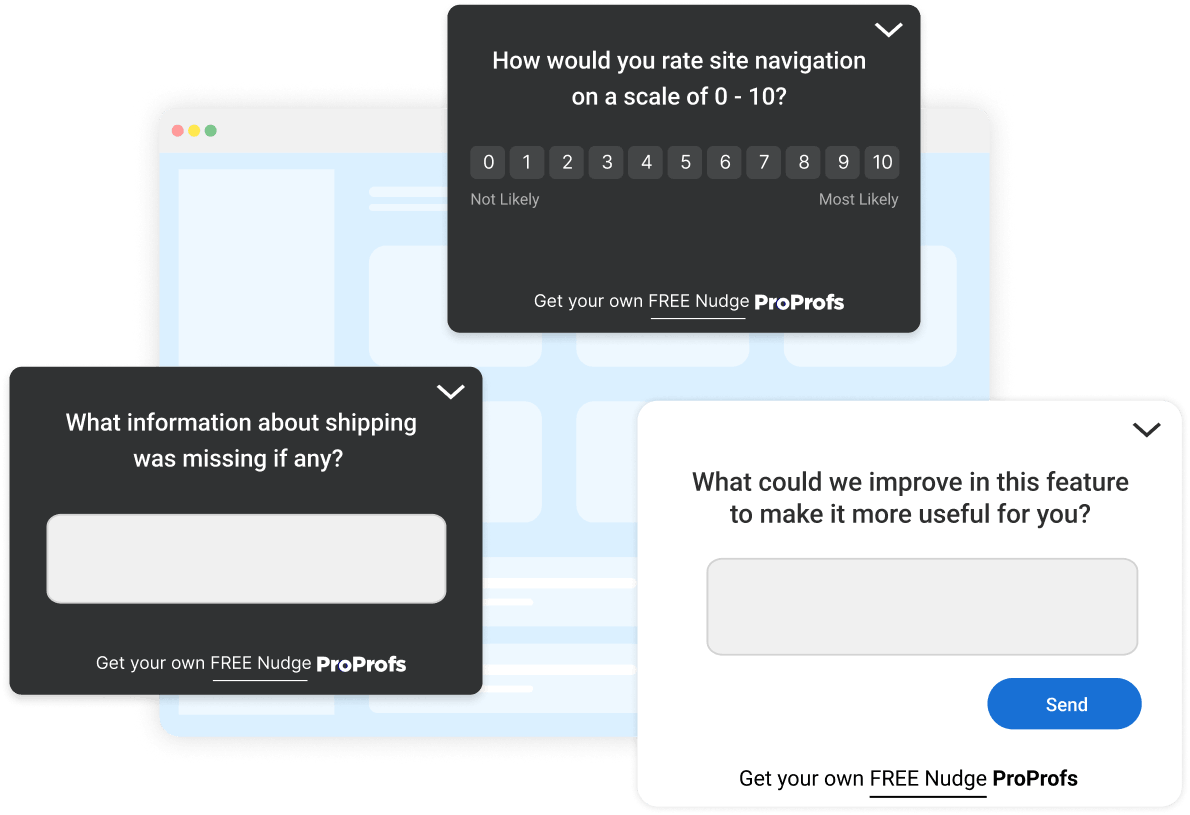
Emojis, Star Ratings & More
Works Where Your Prototypes Live
No iframes or embed snippets

Paste a link from your design tool or staging environment, and your survey goes live. Get feedback the moment a user, client, or stakeholder views your mockup.

  • tick Qualaroo Share from Figma, Adobe XD, Marvel & more
  • tick Qualaroo Test staging flows before development begins
  • tick Qualaroo Benchmark against public competitor pages
  • tick Qualaroo Present mockups with built-in feedback for review
Don’t Break Prototype Experience
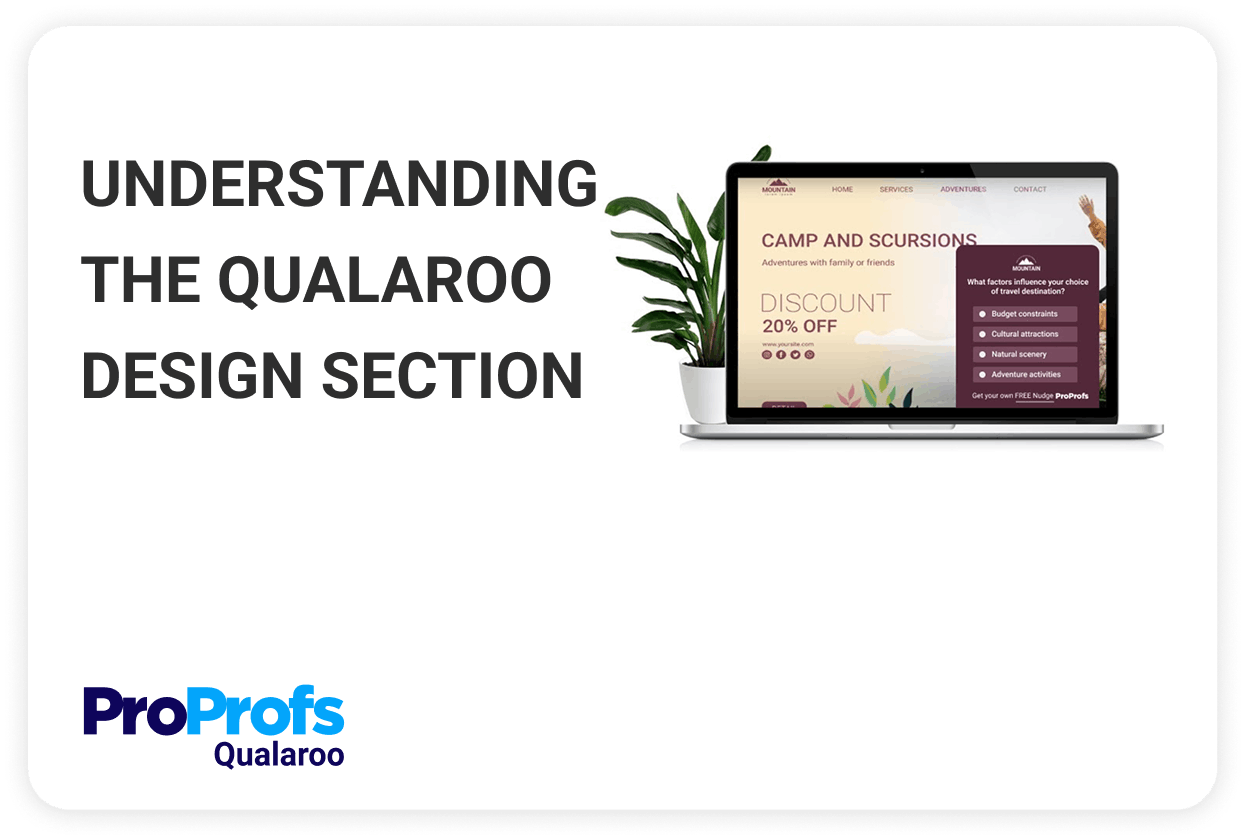
Match fonts & colors to your mockup

Get surveys visually aligned with your design. Whether it’s a high-fidelity mockup or early wireframe, keep the experience seamless and professional.

  • tick Qualaroo Apply your brand fonts, colors & logos
  • tick Qualaroo Align UI elements with your prototype’s style
  • tick Qualaroo Match spacing, background, and typography
  • tick Qualaroo Deliver a polished, native-like survey experience
Read 200 Responses in 2 Minutes
AI clusters feedback by sentiment & theme

Let AI (powered by IBM Watson) handle the sentiment analysis while you focus on making smarter design decisions. Get clear takeaways without digging through raw data.

  • tick Qualaroo Detect sentiment using NLP
  • tick Qualaroo Visualize common themes with word clouds & tags
  • tick Qualaroo Track feedback by question, screen, or user flow
  • tick Qualaroo Export insights for quick sharing with your team

Features That Make Your Prototype Surveys Actually Work

Everything you need for your question to land where it matters, when it matters
Prototype Testing

Collect feedback at every design stage quickly and effortlessly.

Instant Survey Creation

Launch prototype surveys instantly: no delays, no hassle.

AI Analytics & Reports

Gain insights instantly with sentiment analysis and actionable reports.

Behavior-Based Triggers

Automatically display surveys based on user interactions.

Advanced Targeting

Precisely target users for timely, relevant insights.

Question/Decision Branching

Personalize user experiences with conditional survey logic.

Customizable Themes & Branding

Match your surveys seamlessly with your prototype's look and feel.

Professional Templates

Quickly launch surveys from a library of expert-designed templates.

Multiple Sharing Options

Easily share via email, link, or embed for maximum reach.

View All Features

Feedback Flows Into the Tools You Already Have Open

Sync results to Slack, Notion, GA, Mixpanel, and more

Connect your prototype survey insights to the tools your team already relies on, no switching tabs or workflows.

  • tick Qualaroo Share links from Figma, XD, InVision & more
  • tick Qualaroo Sync insights to GA, Mixpanel & FullStory
  • tick Qualaroo Send feedback to Slack, Trello & Notion via Zapier
  • tick Qualaroo Secure access with SSO & team permissions

We Believe Software Should Make You Happy

We are building a 100-year company with awesome human support

We are building a 100-year company with a mission to DELIGHT customers. People think we’re crazy to offer phone, chat, and email support. We still do it. When it comes to awesome support & building delightful software, we go the distance - try it, and you will love it.

Join Our Thriving Community

  • Every point of individual feedback enables us to take action.
    Having ongoing consumer input and feedback is paramount. Today I might ask them for feedback on the new site experience, tomorrow I want to talk about what the customer is searching for and days later I can ask how their ordering experience was. That variety and the quick pulses help us enormously.
    Ajantha Suriyanarayanan
    Ajantha Suriyanarayanan,

    Director of Consumer Insights for Art.com

  • Using Qualaroo we got to hear feedback from our visitors in their voice.
    We used the data to develop and completely redesign our branded landing page and validate our hypotheses. Qualaroo gave us a 16% lift in conversion at 98% statistical significance.
    Jaxon Lam
    Jaxon Lam,

    Senior Strategist at Web Growth, Hootsuite Media Inc.

  • Qualaroo's simplicity made it a top choice for us
    To expand to an ever-evolving market like Twilio’s, you need to work quickly to stay in tune with the challenges customers face – both the ones they face today and the ones they will face tomorrow. Customer discovery efforts are critical. How do you best put yourself in the customer’s shoes, and do so in a way that is efficient and easy to do at all stages of product development?
    Laura Schaffer
    Laura Schaffer

    Product Manager for Twilio’s Experimentation Platform

Frequently Asked Questions

Can I run surveys on any prototype link?

Yes. Just paste a public or shareable link from Figma, Adobe XD, InVision, or Marvel, no embed or developer help needed.

Do I need to involve developers?

Not at all. Surveys run with just a URL. No code, no integrations, no waiting.

Can I test on staging environments or competitor pages?

Yes. You can launch surveys on staging links or public competitor pages to gather early feedback and comparisons.

Will the survey match my design’s look and feel?

Yes. You can match your brand’s fonts, colors, and layout so surveys blend in naturally.

Can surveys reset automatically during live demos?

Yes. Enable kiosk mode to automatically restart surveys after each response, ideal for events, demos, or usability labs.

Is AI included in the analysis?

Yes. Built-in AI tags sentiment, surfaces trends, and highlights patterns without manual effort.

Can I control who sees the survey?

Yes. Target users based on link, screen, or behavior so surveys only appear when relevant.

Fastest Impelementation
American Business Award
Digital Best
Software Suggest
Crozdesk Leader
Software Advice
Trusted Vendor
Crozdesk Quality Choice
Crozdesk Happiest Users Badge
High-Performer 2024
Fastest Impelementation
American Business Award
Digital Best
Software Suggest
Crozdesk Leader
Software Advice
Trusted Vendor
Crozdesk Quality Choice
Crozdesk Happiest Users Badge
High-Performer 2024

Start Testing Your Designs in Minutes

Design smarter. Validate earlier. Launch with confidence.